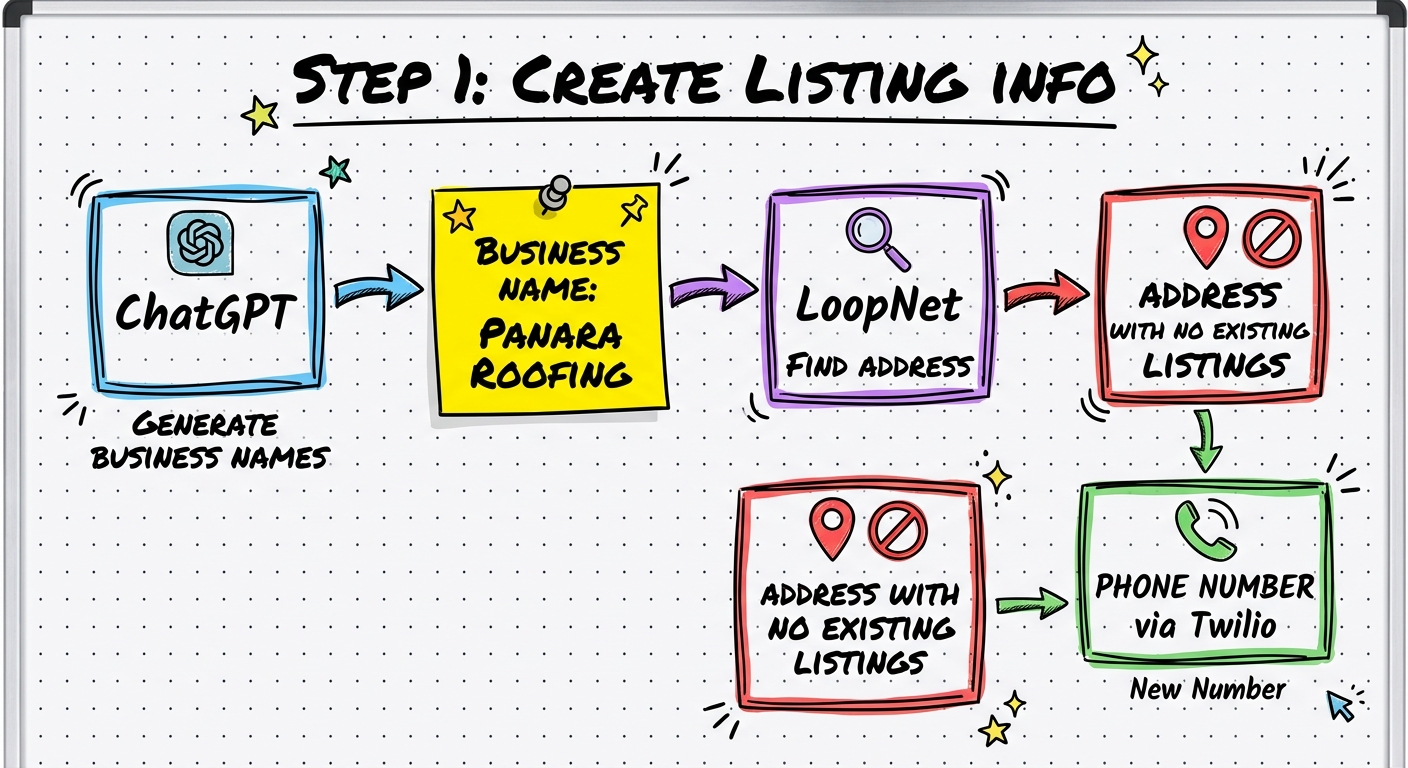
Create Listing Info
Do NOT use common business name words — Google flags them and won't let the listing go live
Do NOT pick an address that already has a listing in the same category
Generate a business name
Go to ChatGPT. Prompt: "Create a list of potential names for a [category] company. Be sure to include branded words."
- Pick a unique/branded name — avoid common words like "Apex", "Titan", "Pro"
- Google is sensitive to common business names — they get flagged and won't go live
- You can change the name later, so don't overthink it
- Add a secondary descriptor (e.g., "Panara Roofing and Exteriors")
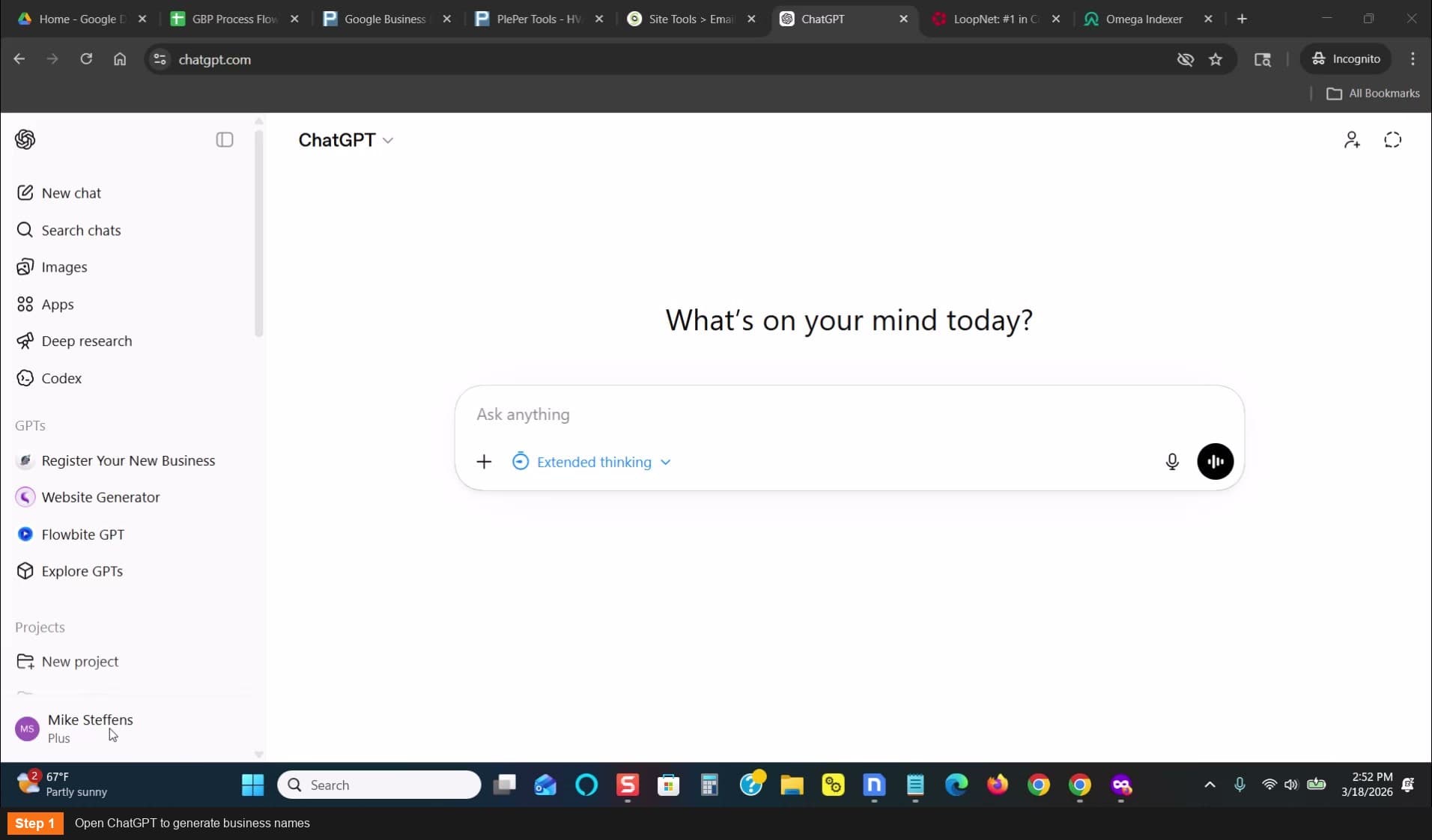
Open ChatGPT to generate business names
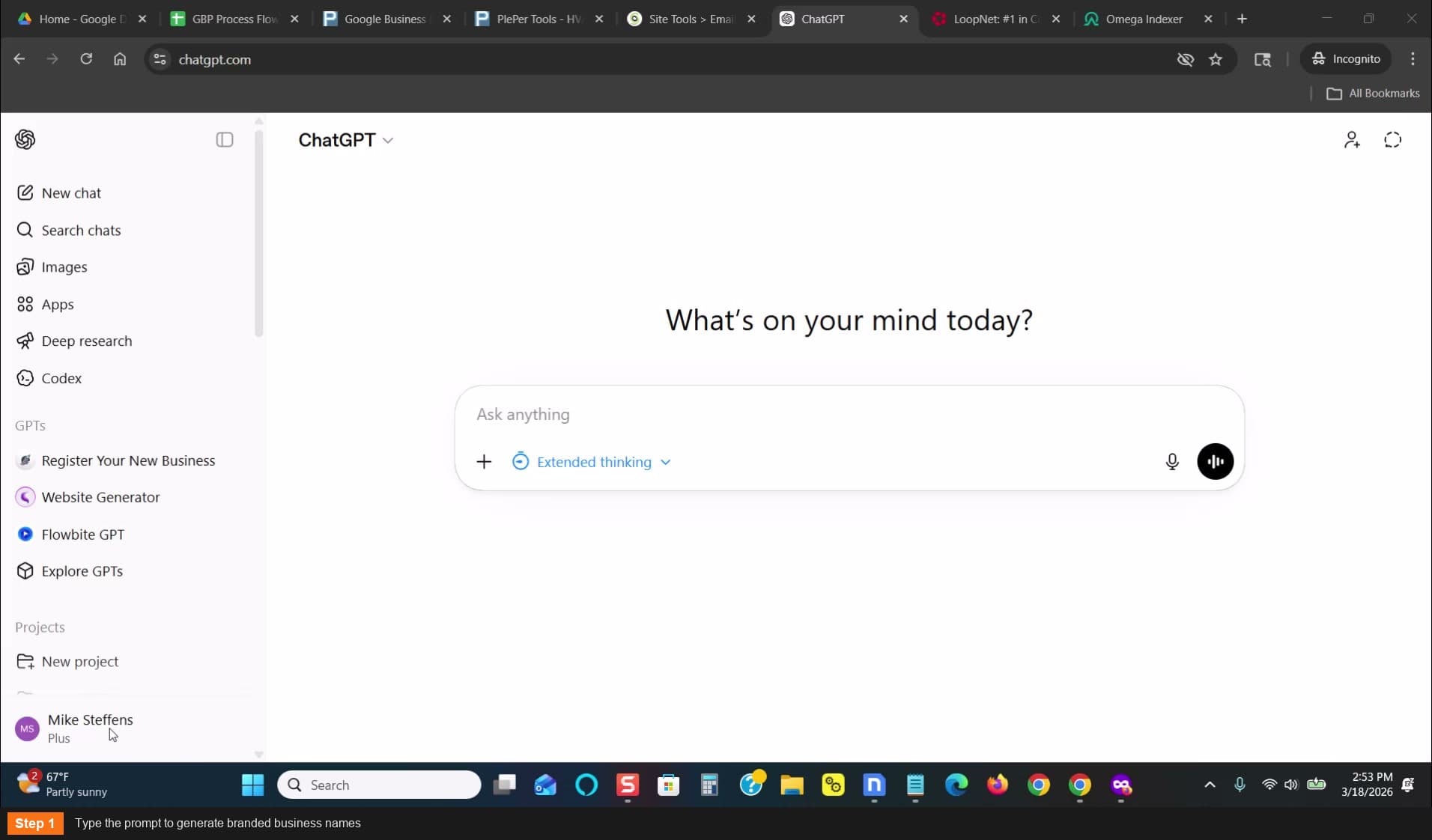
Type the prompt to generate branded business names
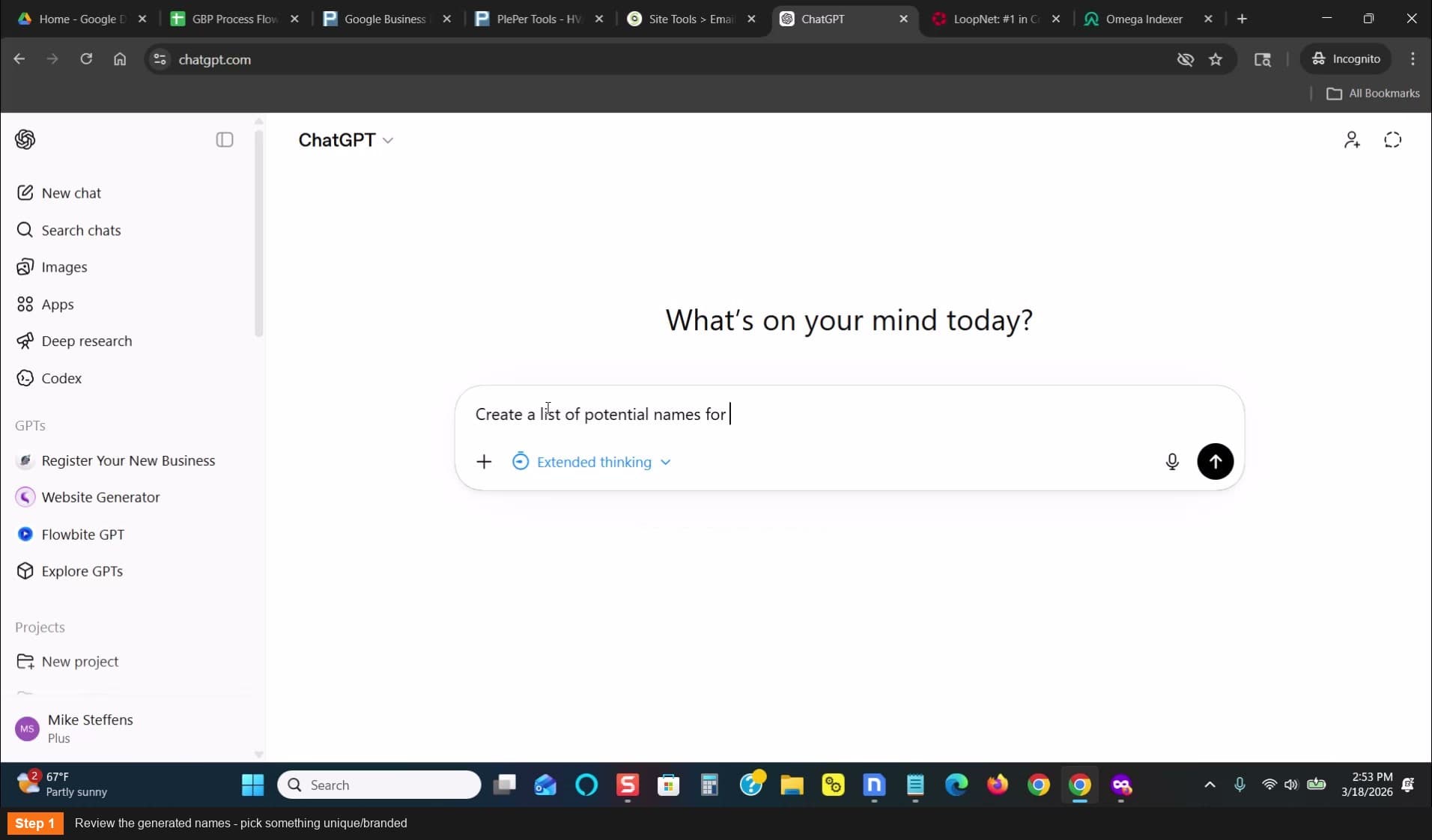
Review the generated names - pick something unique/branded
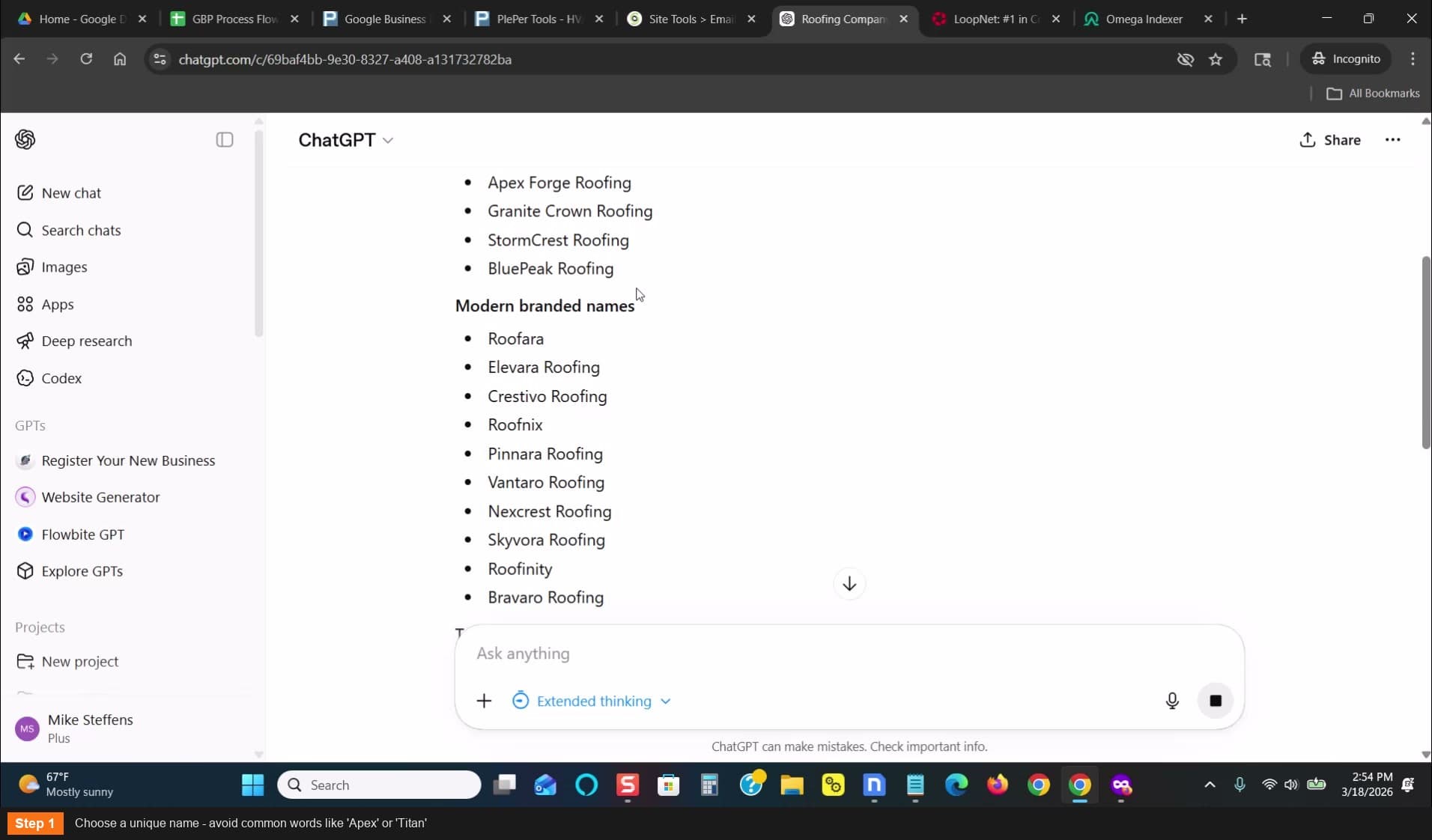
Choose a unique name - avoid common words
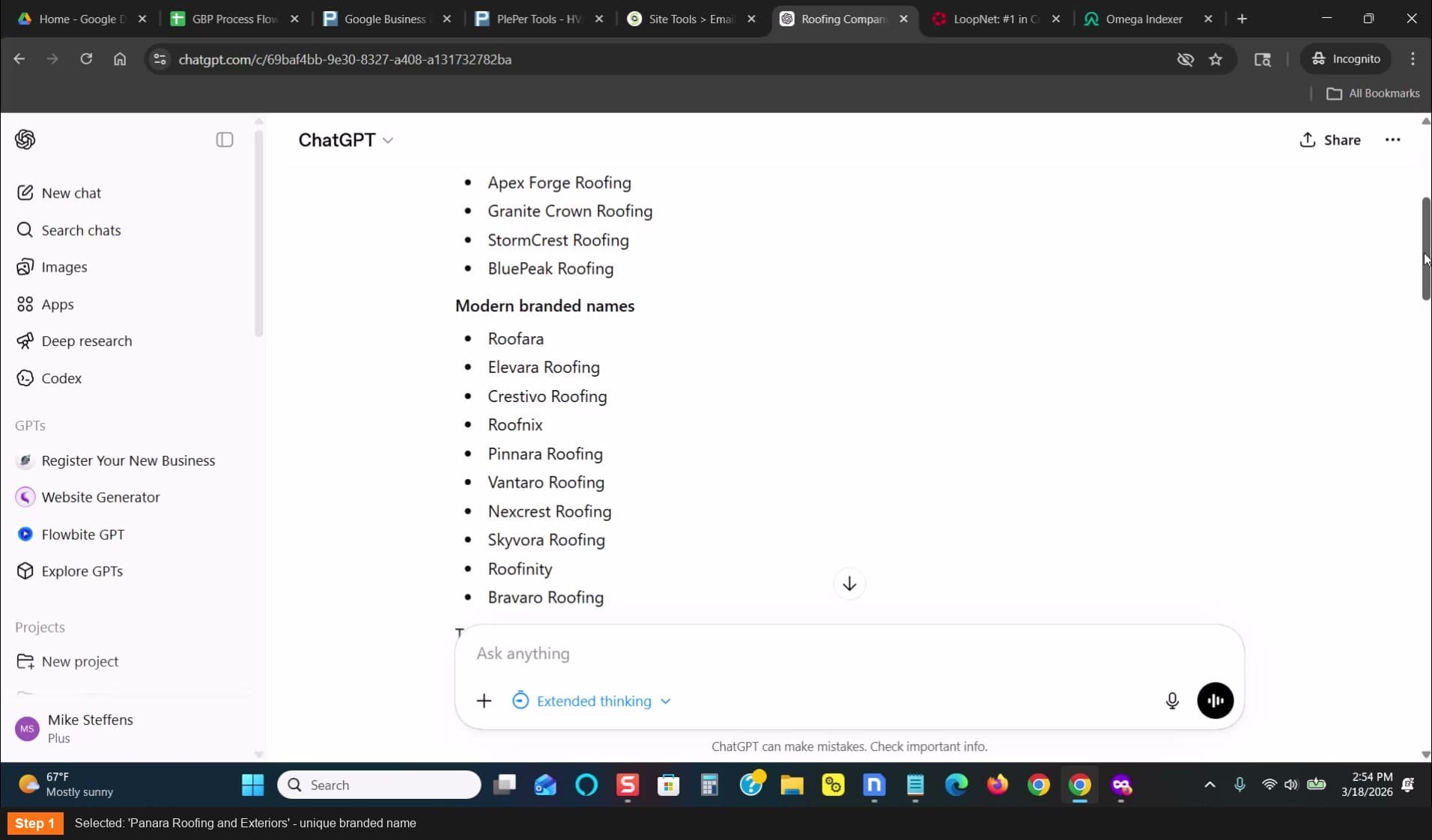
Selected: Panara Roofing and Exteriors
Find an address on LoopNet
Go to loopnet.com — search your target city
- Go to Space Uses — select Flex (office/business parks)
- Pick an address that looks like where your business type would actually be
- Google the address — make sure NO other GBP listings exist at that address in your category
- Ideally find an address with ZERO existing listings at all
- Suite numbers don't matter — you can make one up or use the main address
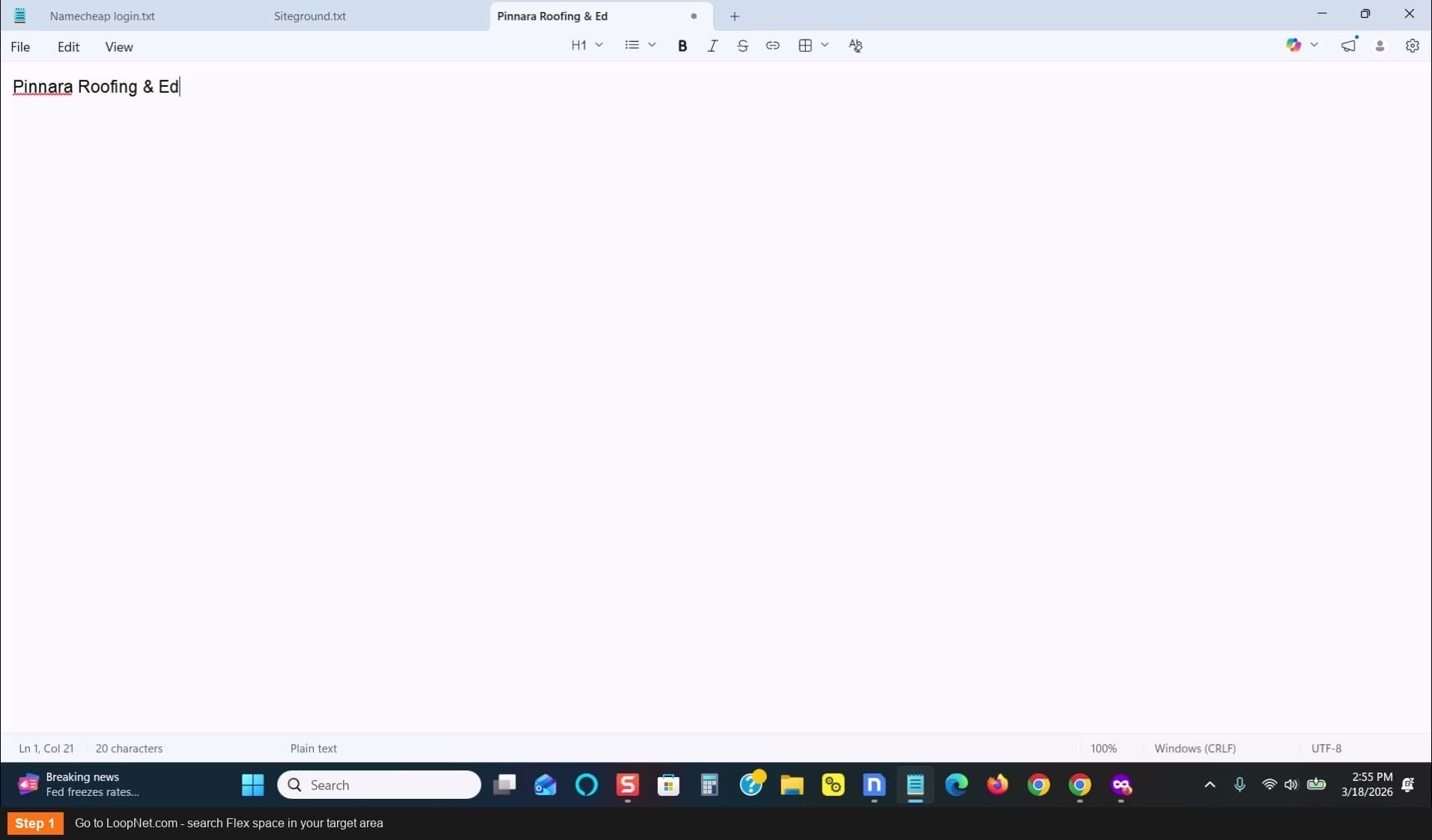
Go to LoopNet.com - search Flex space in your target area
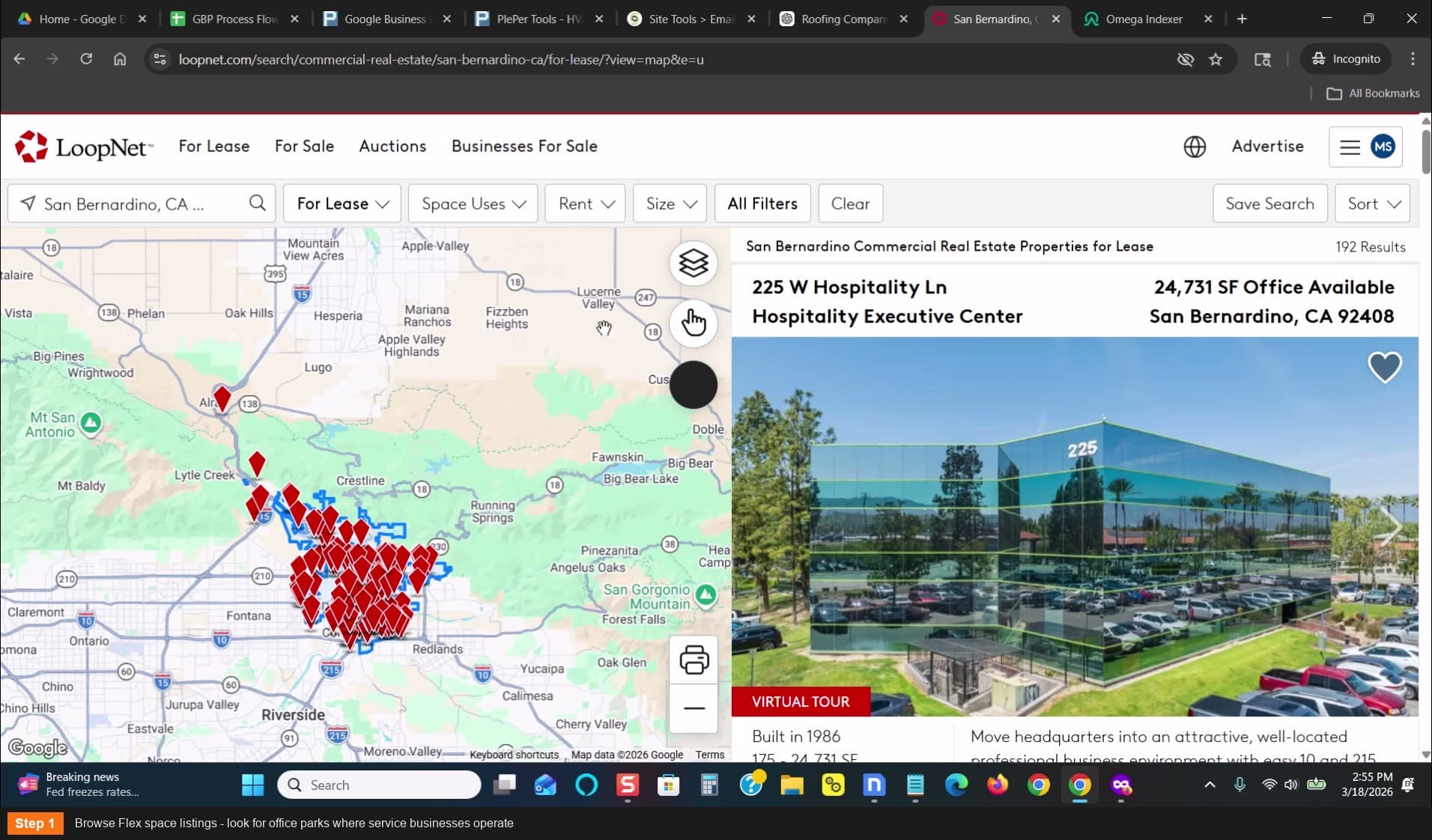
Browse Flex space listings for office parks
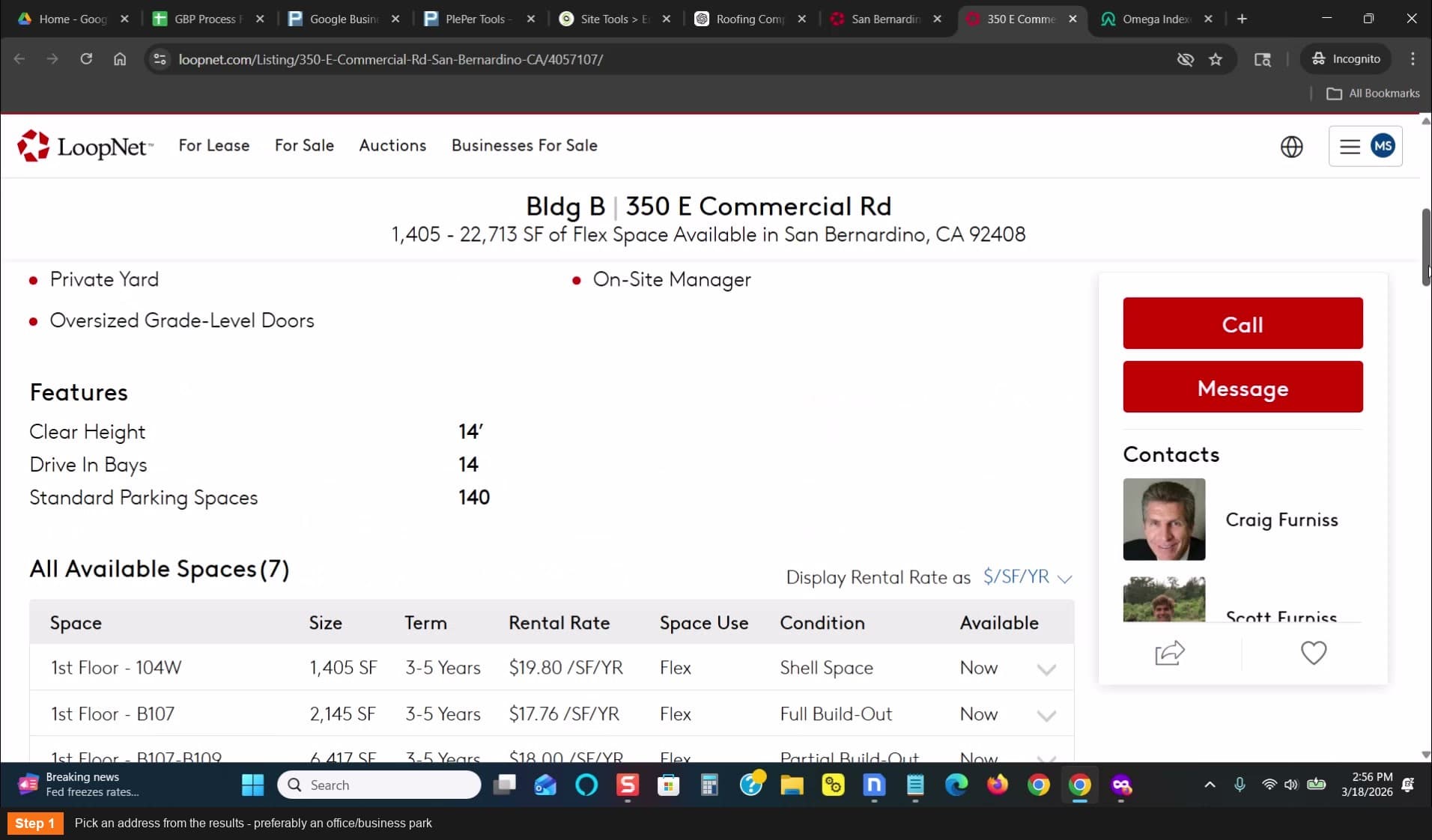
Pick an address from the results
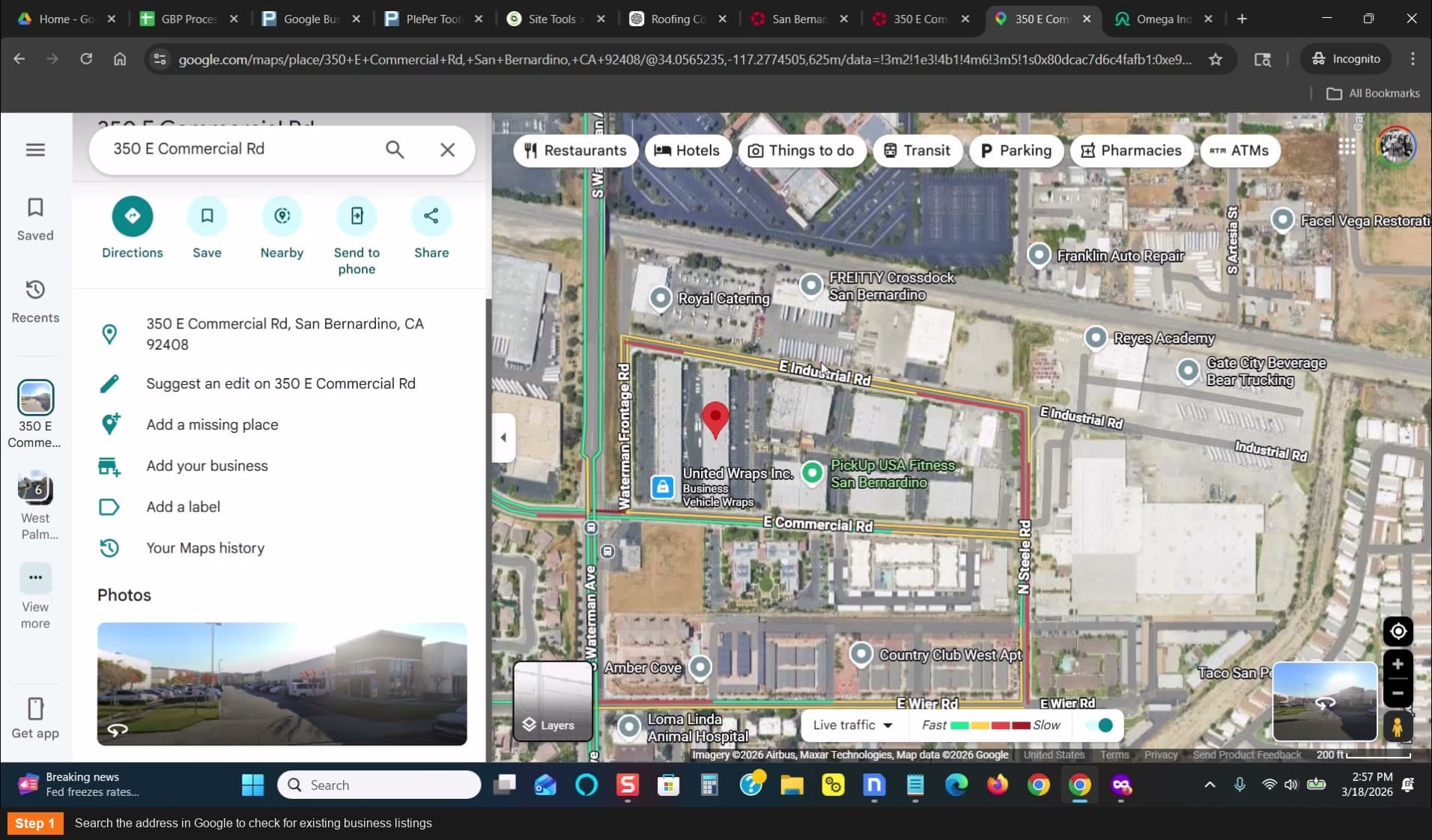
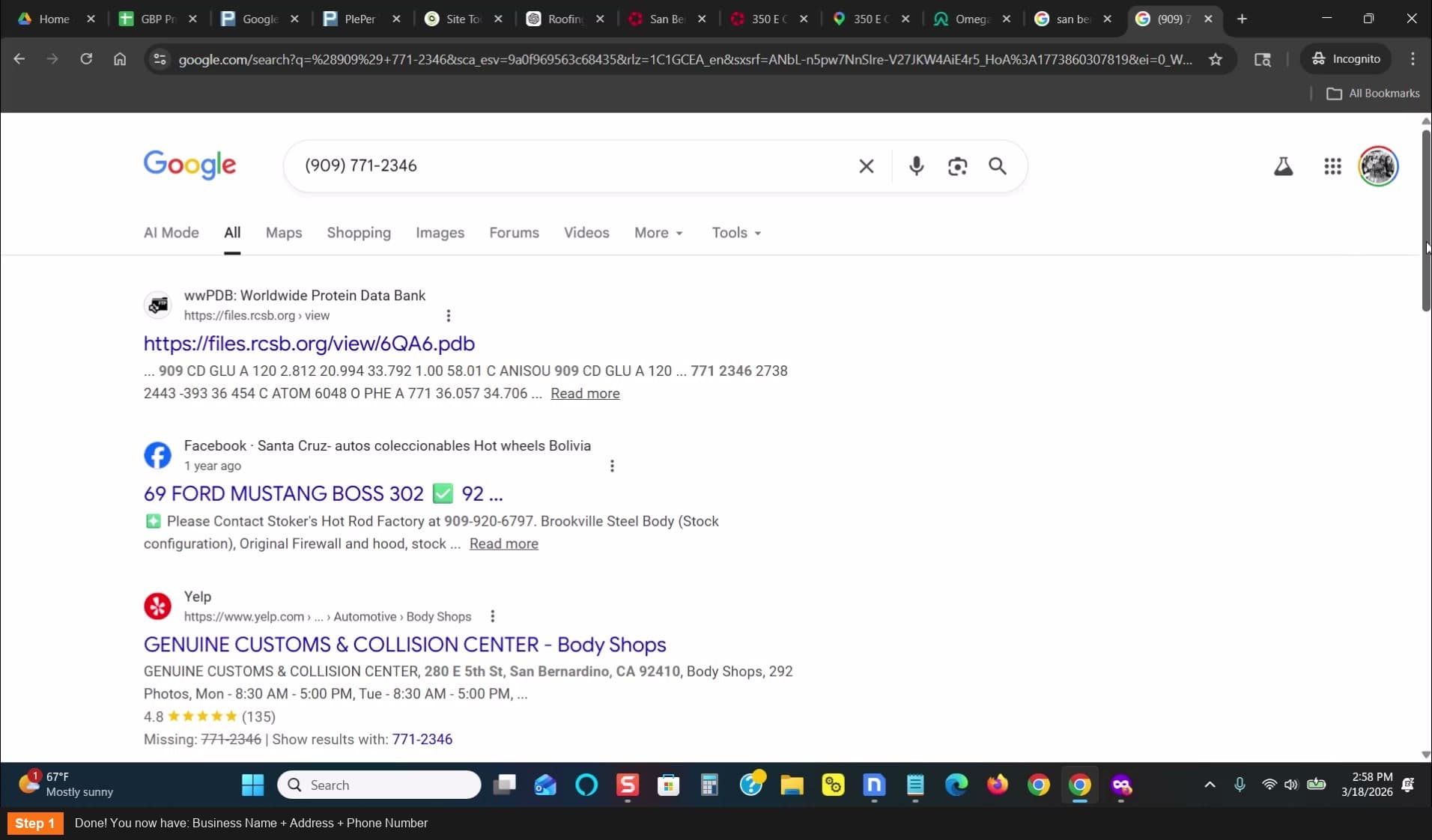
Search the address in Google to check for existing listings
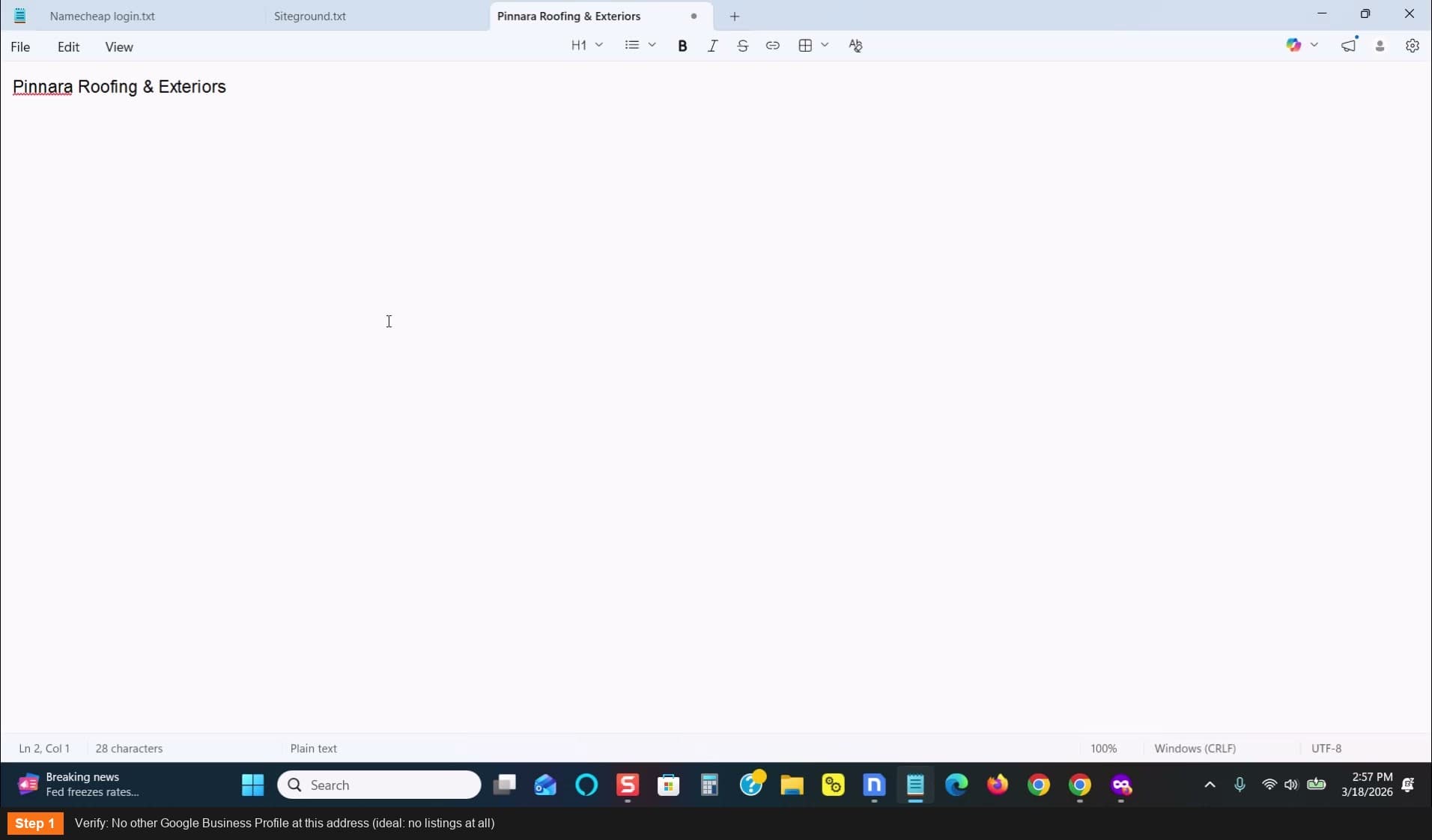
Verify no other GBP at this address
Get a phone number
- Use Twilio or your preferred call forwarding/tracking service
- Must be a real working number in the target area code
- This will be your NAP phone number throughout the entire process
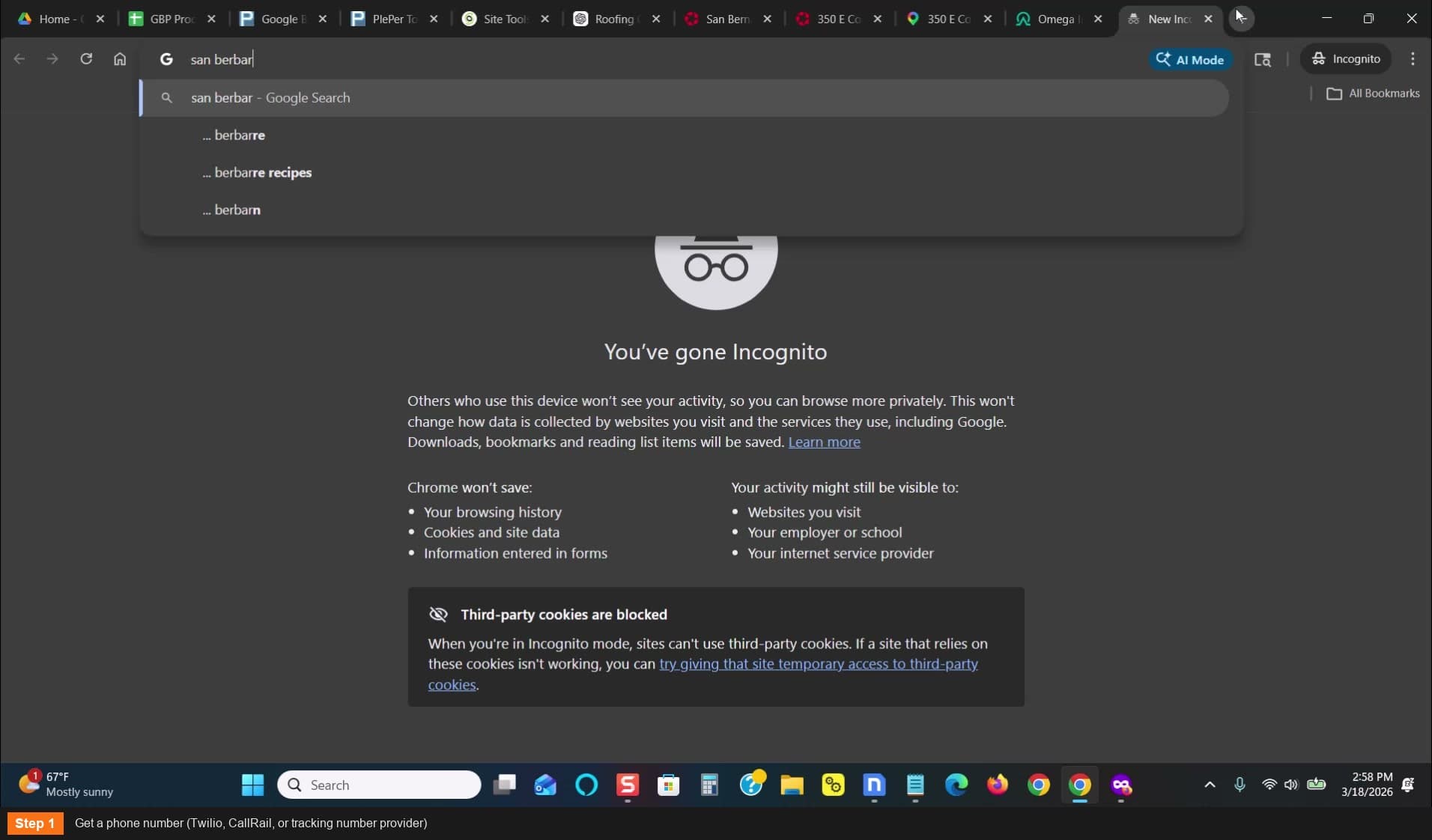
Get a phone number from Twilio or your tracking provider
Document your complete NAP
- Business Name (the branded name you chose)
- Full Address (with suite number if desired)
- Phone Number (your forwarding number)
- Keep this info handy — you'll use it in every following step
Done! You now have: Business Name + Address + Phone Number
The name can be changed later — focus on getting it live first
Check the address in Google Maps before committing — look for existing pins
For home services categories (roofing, plumbing, HVAC), filter LoopNet by Flex — those are office/business parks where these companies typically have office space