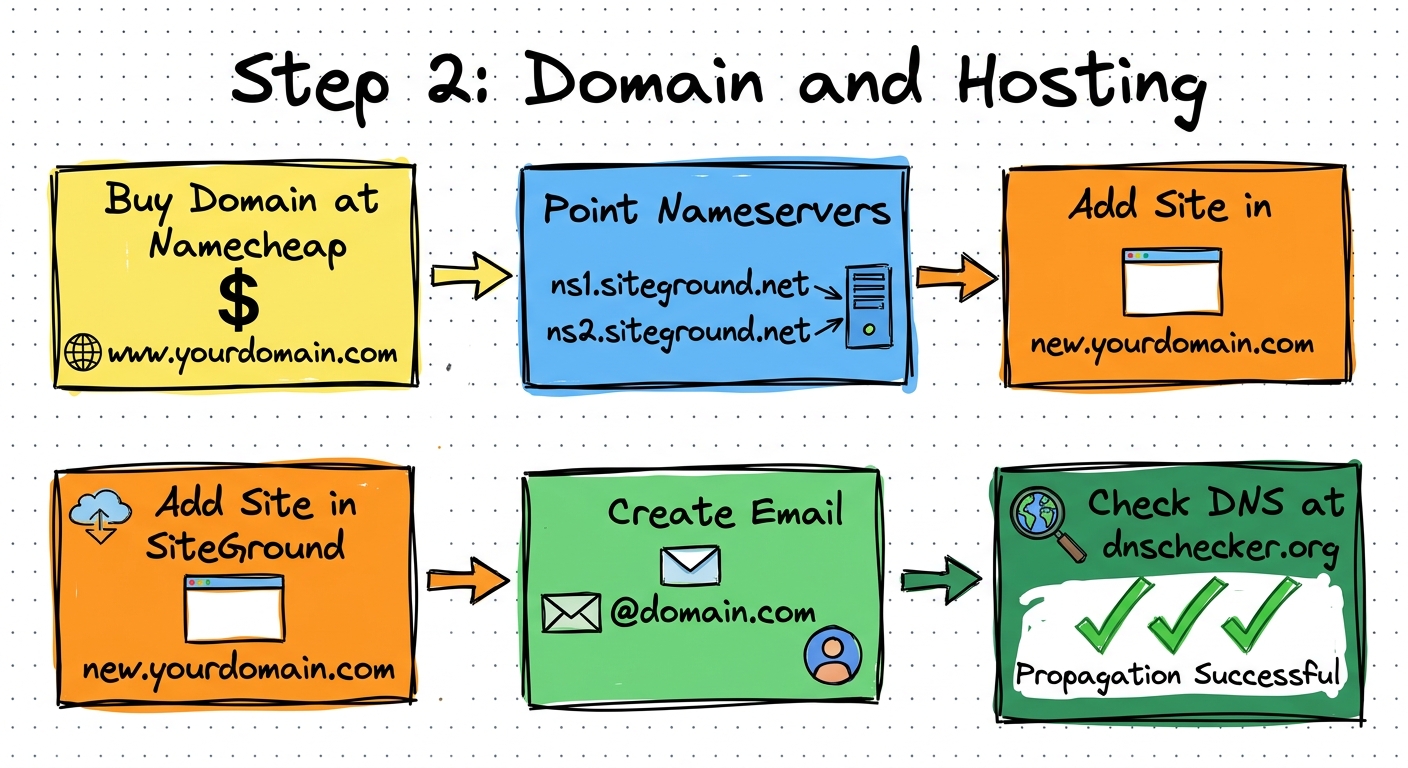
Domain and Hosting
DNS propagation takes time — don't skip ahead until you see green checks on dnschecker.org
Purchase an exact-match domain on Namecheap
Go to namecheap.com — search for a domain matching your business name
- Use cheap TLDs like .shop — they cost around $1.18
- This is a throwaway domain — you'll replace it later once the listing is live
- You can reuse the same domain for multiple locations by creating different landing pages
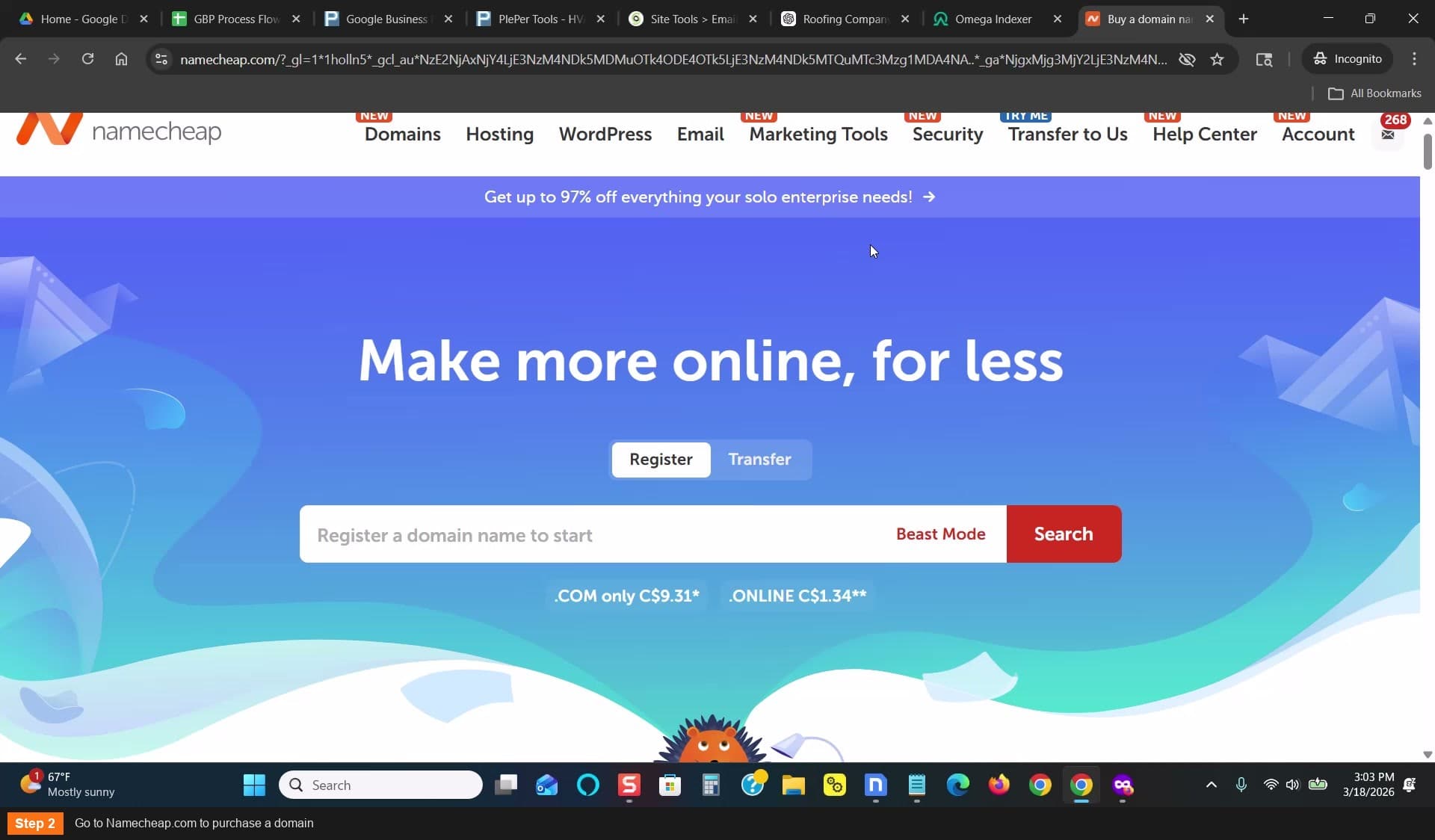
Go to Namecheap.com to purchase a domain
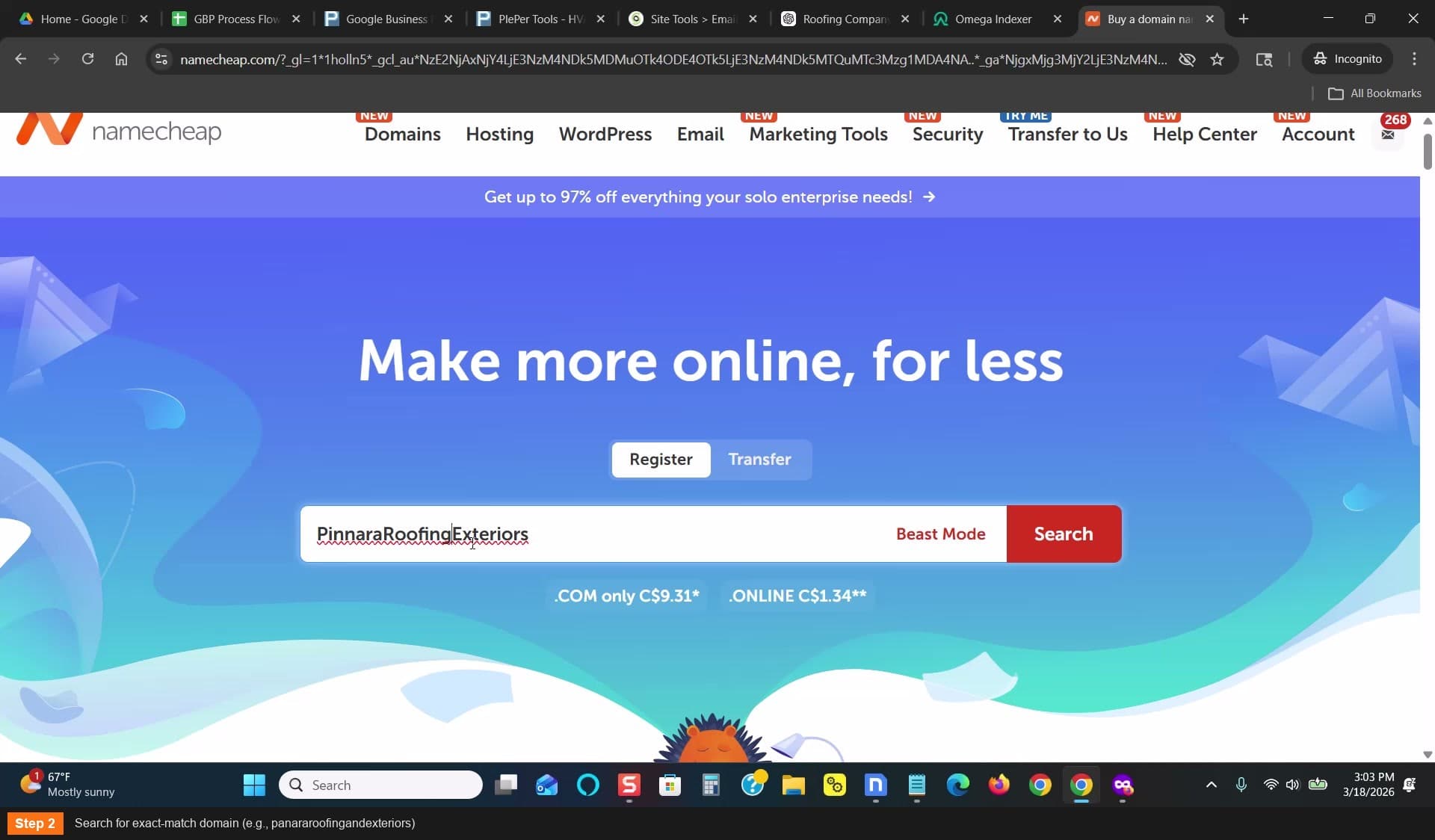
Search for exact-match domain
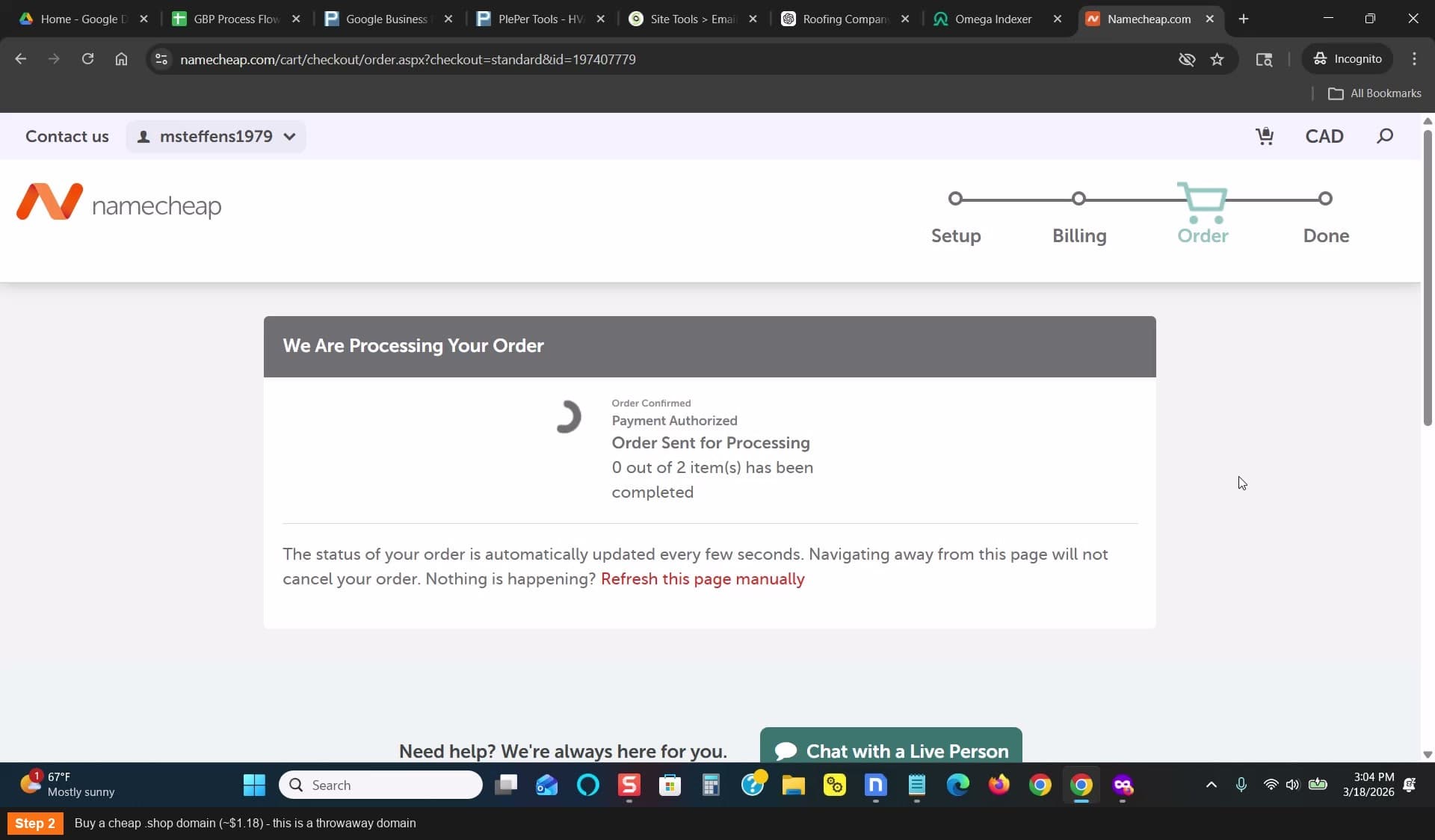
Buy a cheap .shop domain (~$1.18)
Point the domain to your hosting provider
In Namecheap: Dashboard — click Manage on your domain — scroll to Name Servers — select Custom
- For SiteGround, set: ns1.siteground.net and ns2.siteground.net
- If you use a different host, enter their name servers instead
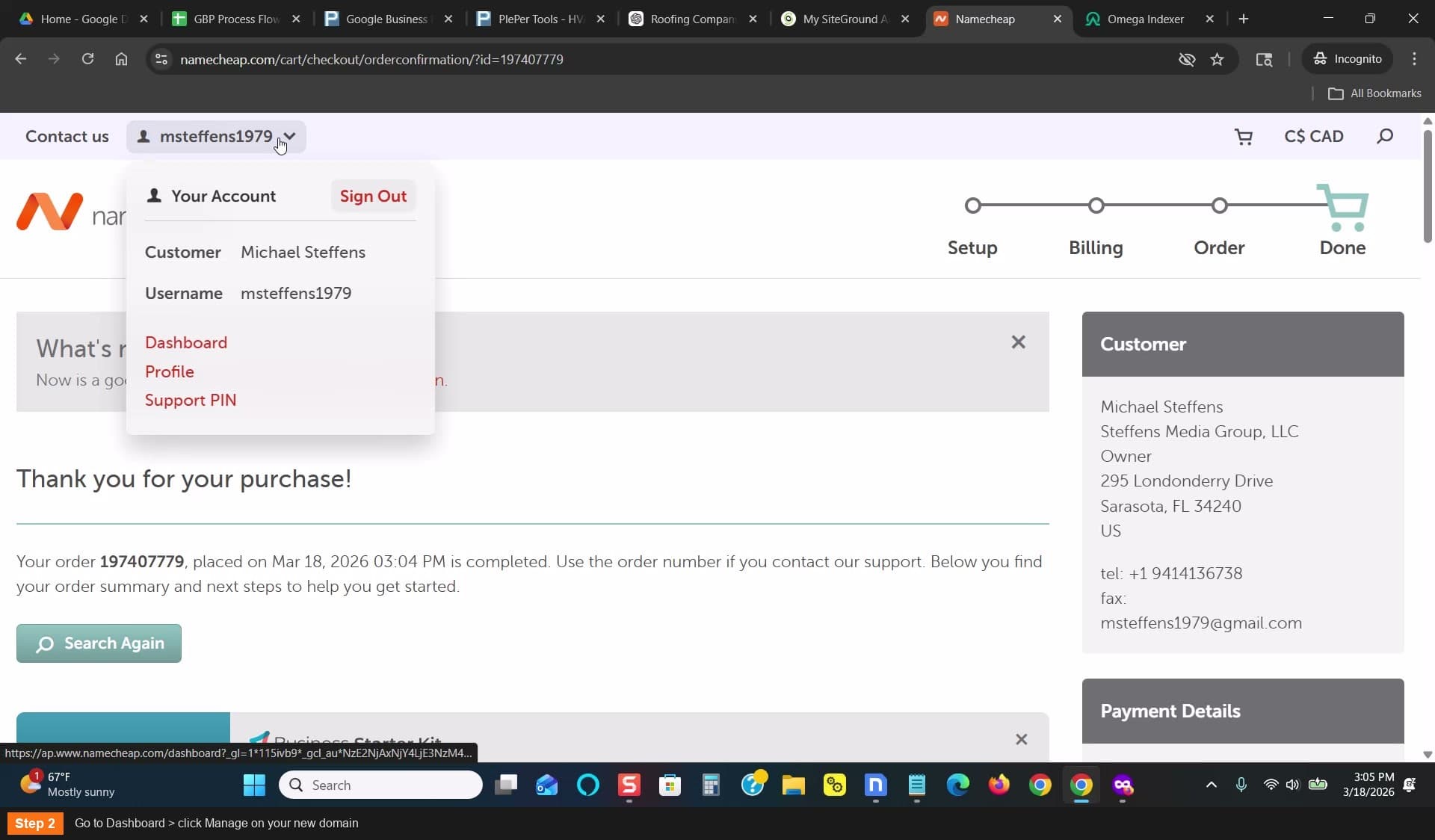
Go to Dashboard > click Manage on your domain
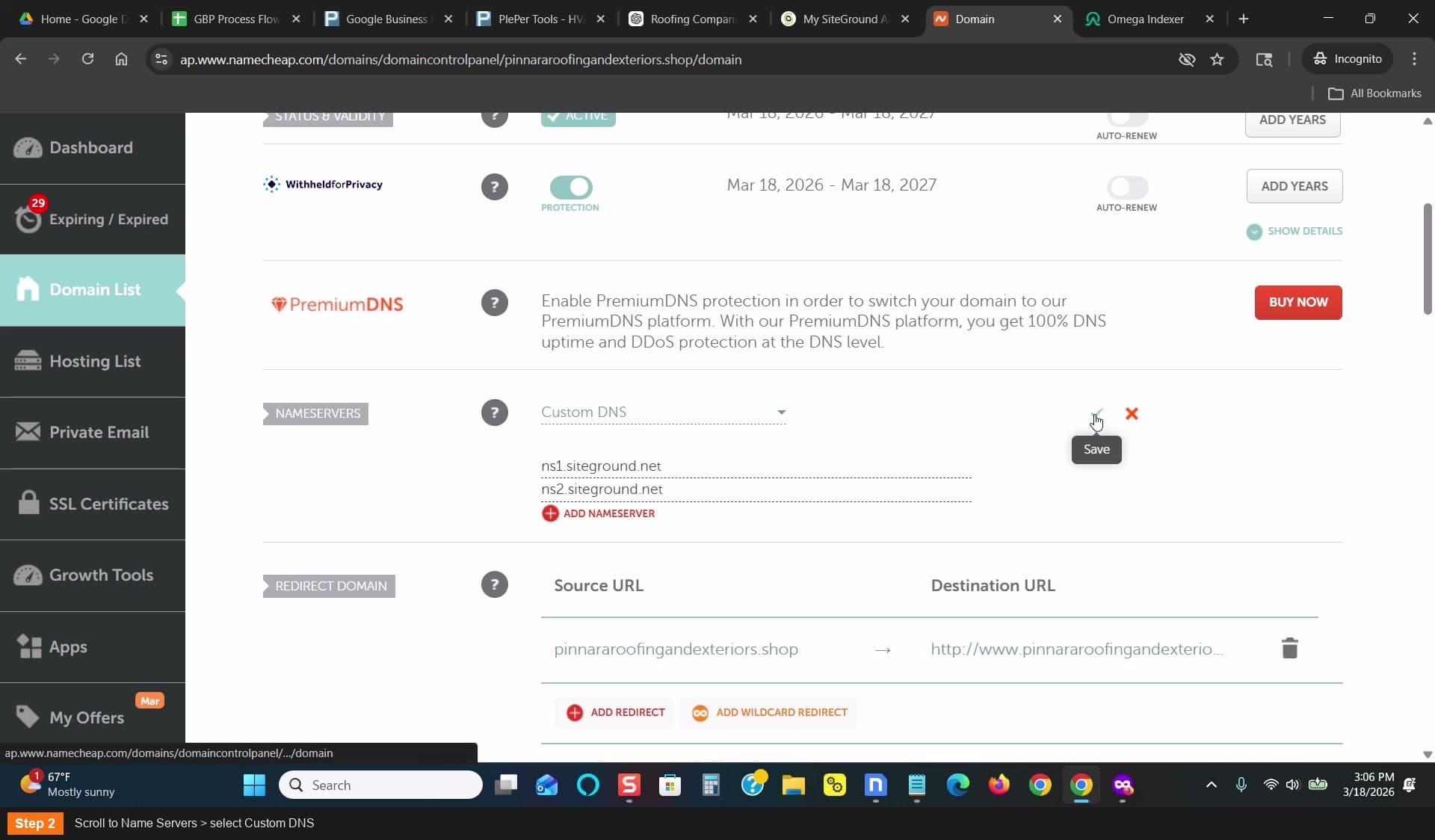
Scroll to Name Servers > select Custom DNS
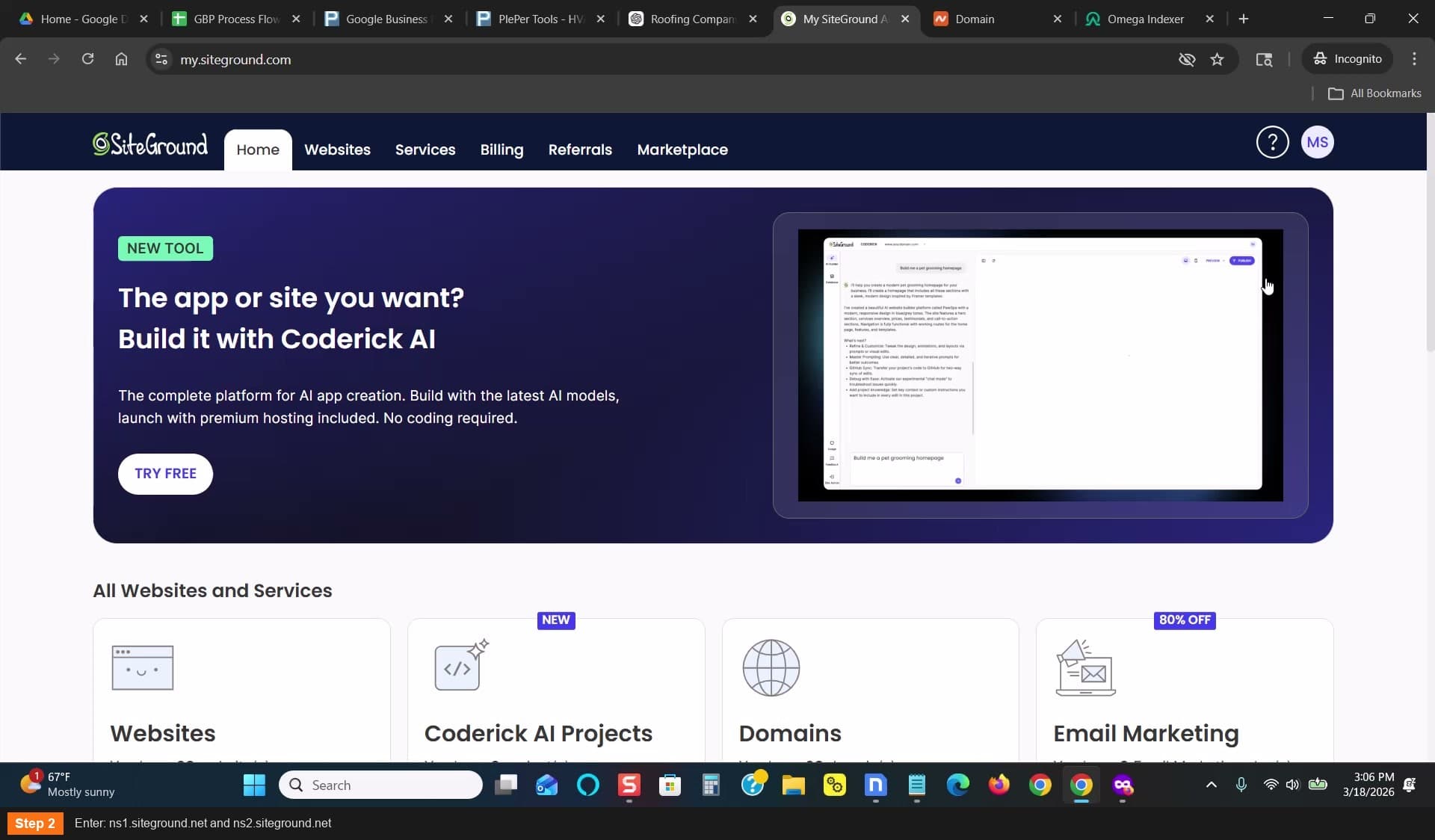
Enter ns1.siteground.net and ns2.siteground.net
Add the domain to SiteGround
In SiteGround: Websites — New Website — Skip and Create Blank Site — Existing Domain
- Paste your domain name
- Click Continue
- Scroll down and click Finish
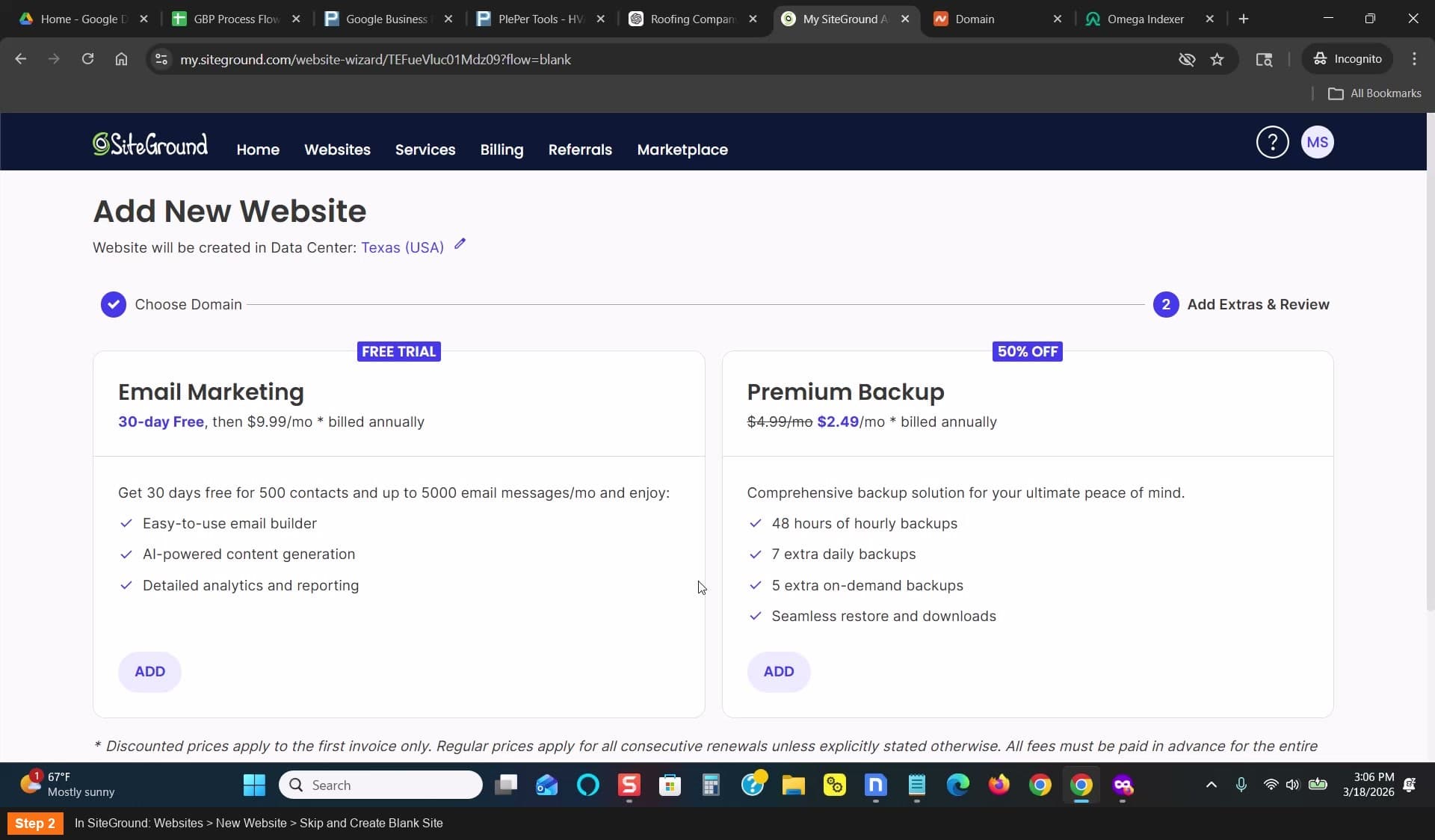
In SiteGround: Websites > New Website > Skip and Create Blank Site
Select Existing Domain and paste your domain
Create an email address at your domain
In SiteGround: go to Site Tools for your domain
- Create an email like contact@yourdomain.shop
- Set a password you'll remember
- This email will be used for GBP verification later
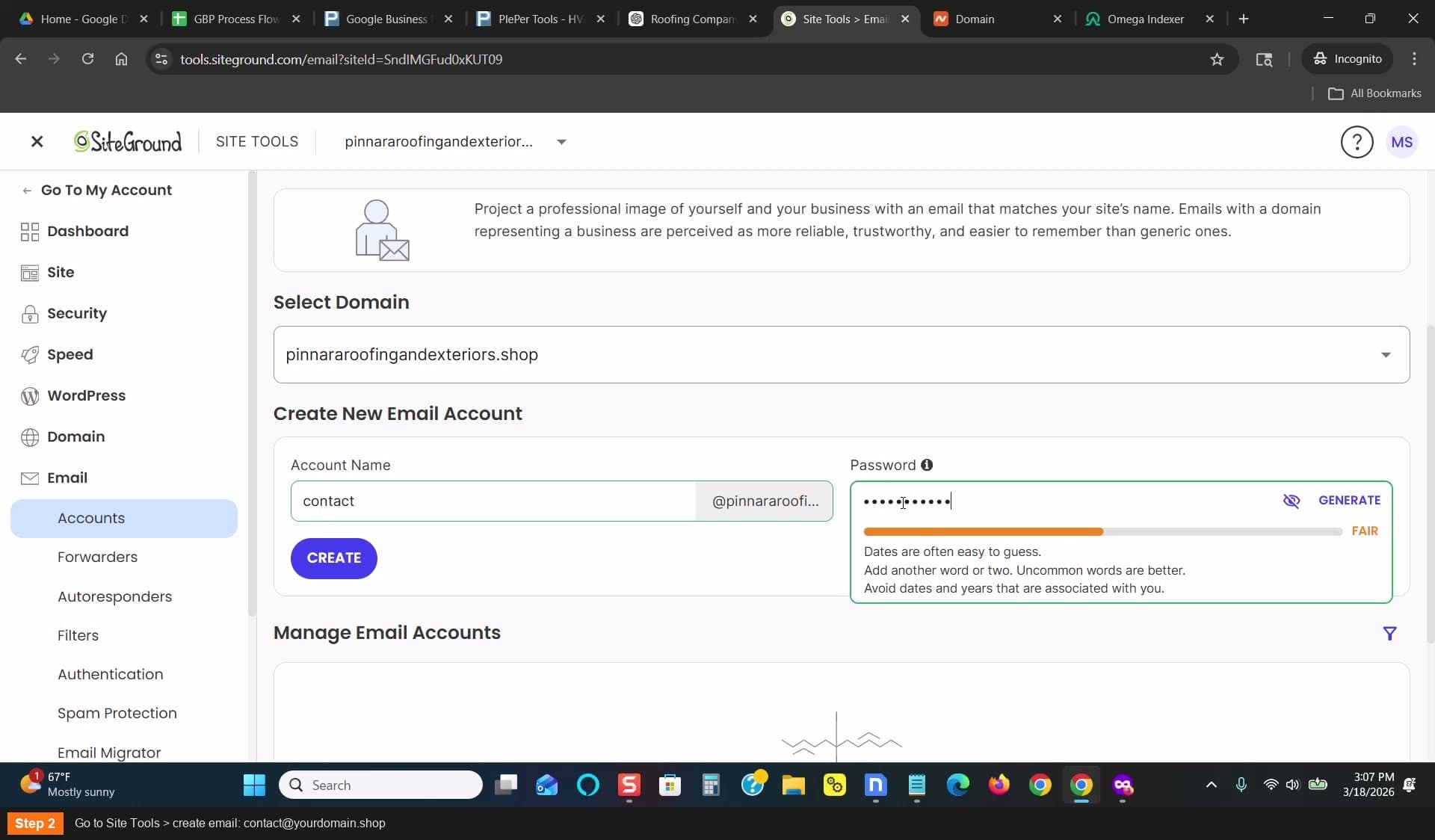
Go to Site Tools > create email: contact@yourdomain.shop
Check DNS propagation
Go to dnschecker.org — paste your domain — look for the A record
- Click Search and look for green checks
- Propagation can take 10-20 minutes
- Once you see a few green checks, your domain is ready
Go to dnschecker.org to check DNS propagation
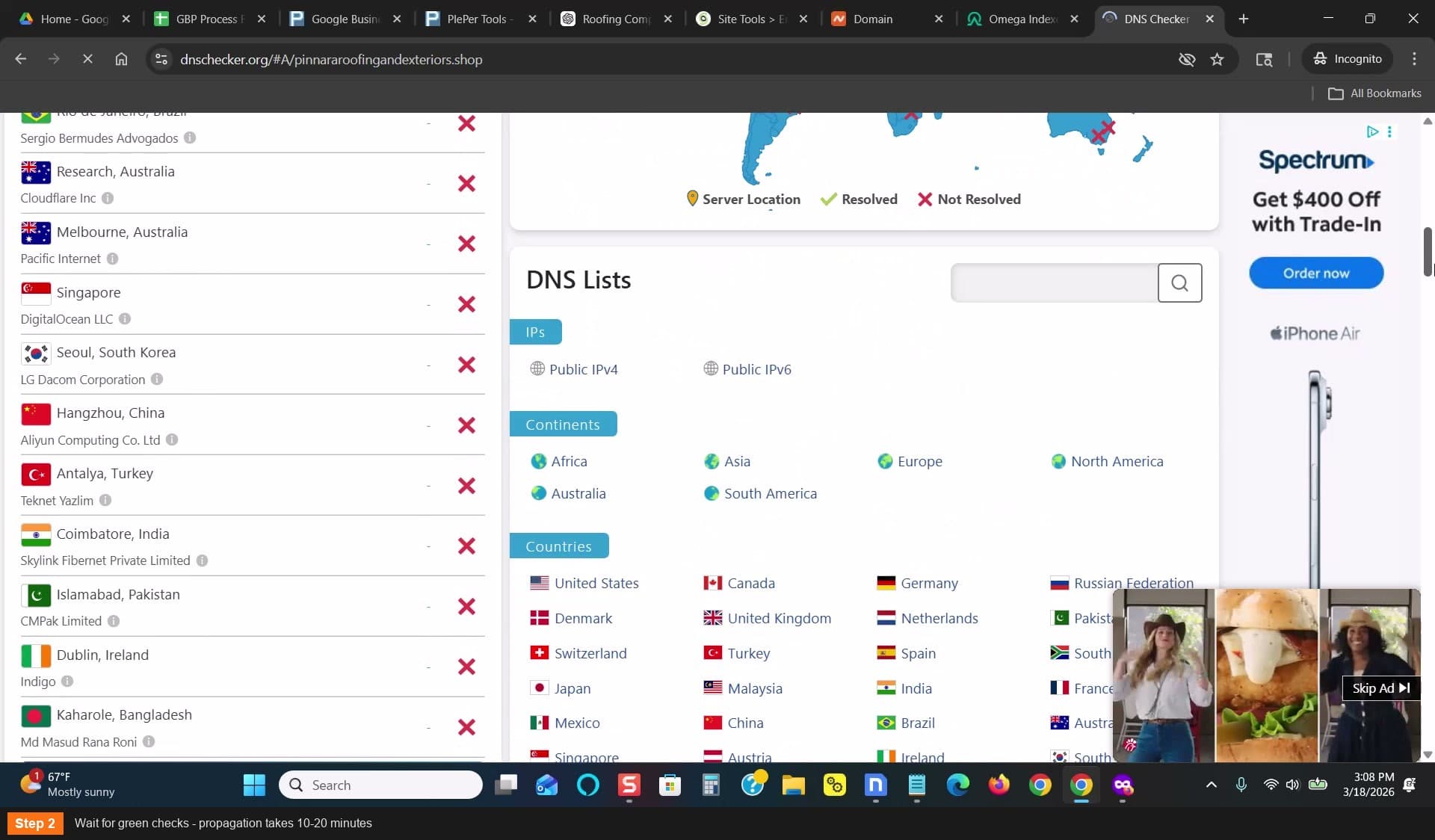
Wait for green checks - propagation takes 10-20 minutes
The domain is $1.18 — don't overthink it. You'll swap it later.
If doing multiple locations with the same business name, reuse the same domain with different landing pages