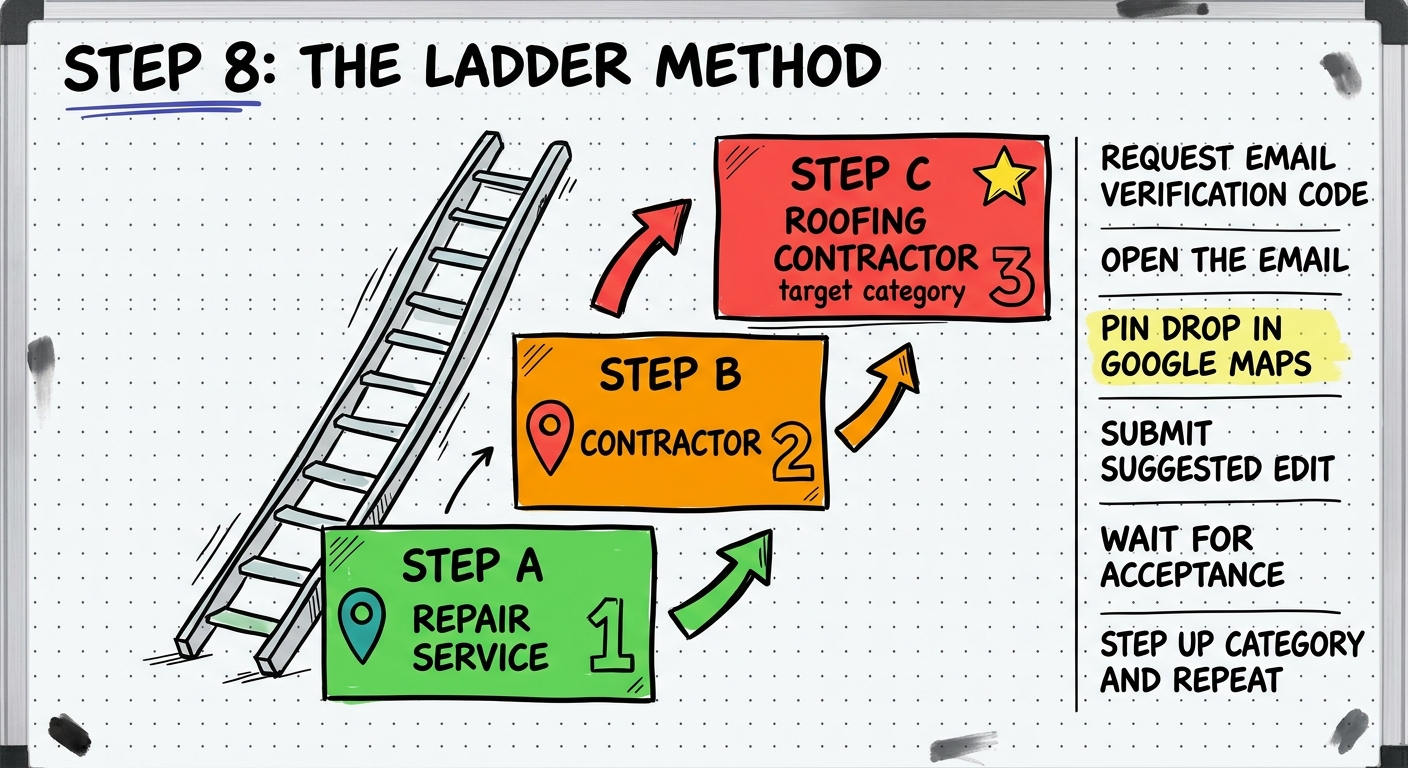
The Ladder Method
Do the pin drop AFTER the verification code has been requested — not before. Timing matters.
Phone number and website URL MUST match across all pin drops and the dashboard — this is what ties everything together
Don't try to skip ladder steps and go directly to the target category — that's what triggers video verification
Start the GBP submission with your easy category
Go to business.google.com — enter your business name
- Click Continue
- Select Local Store
- Set your starting category (e.g., Repair Service) — NOT your target category
- Enter your address, phone number, and website URL
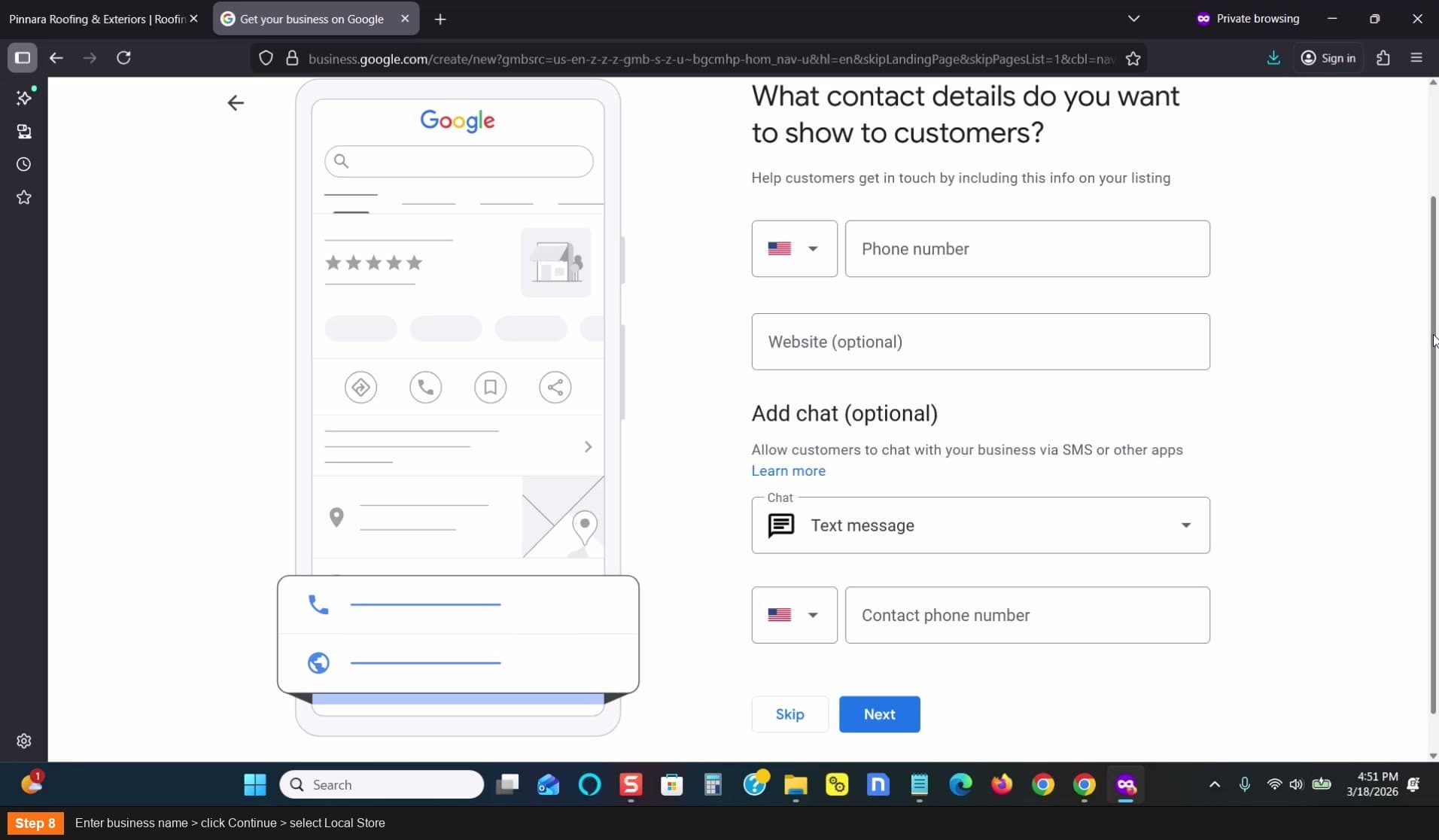
Enter business name > click Continue > select Local Store
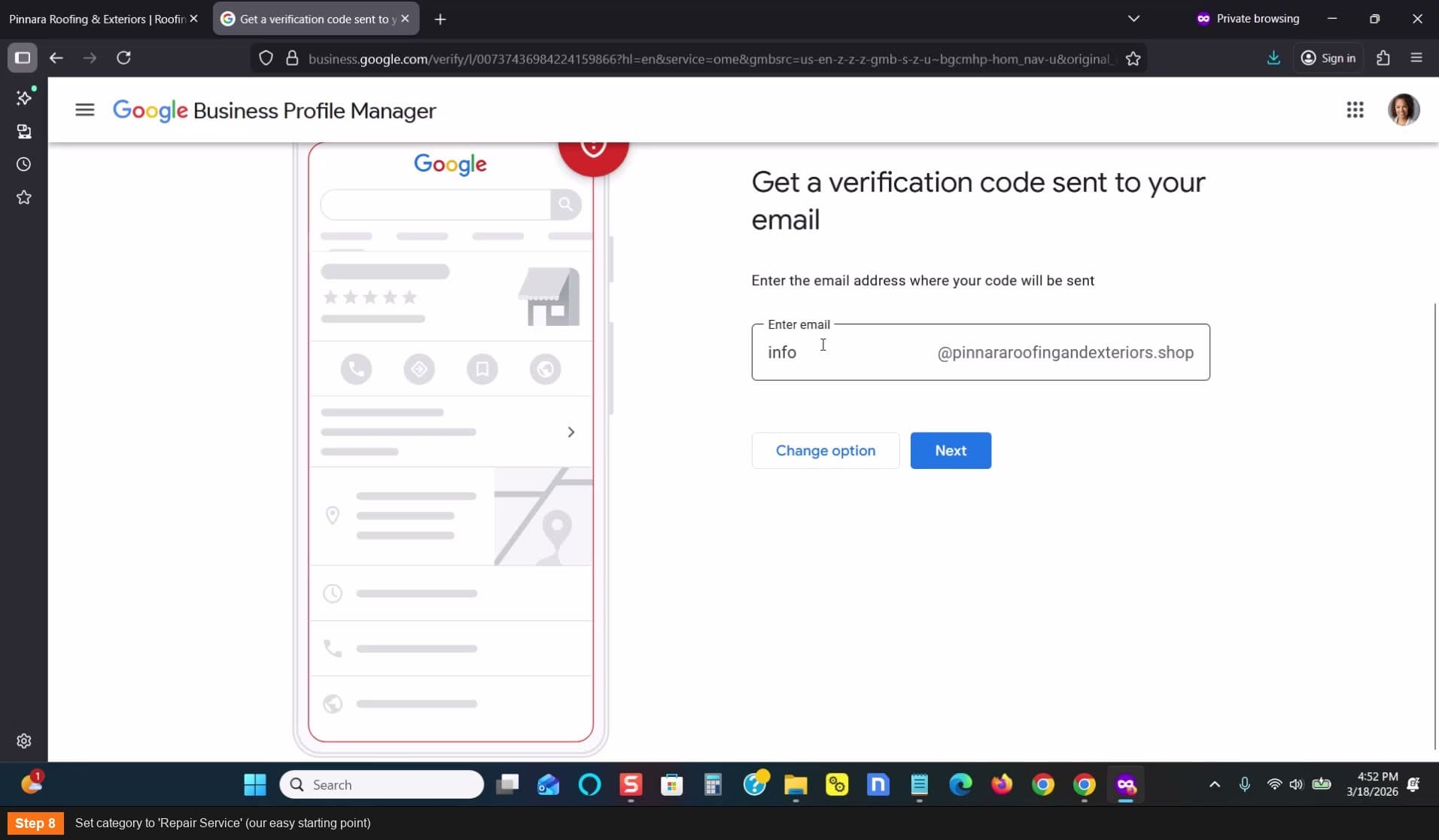
Set category to Repair Service (easy starting point)
Request email verification
- Select email verification when given options
- Give them the phone number and website URL
- Click Next, then Continue
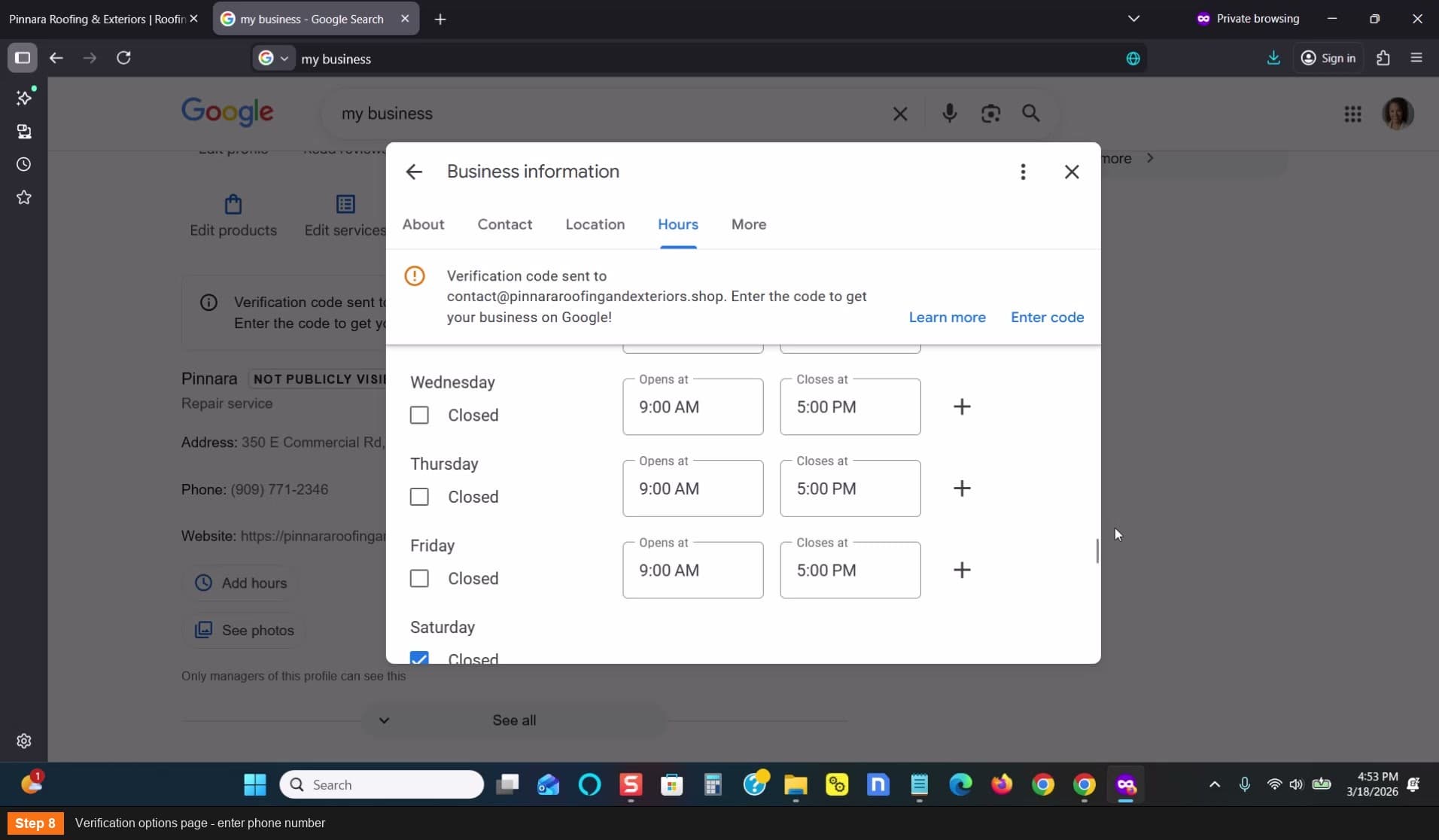
Verification options page - enter phone number
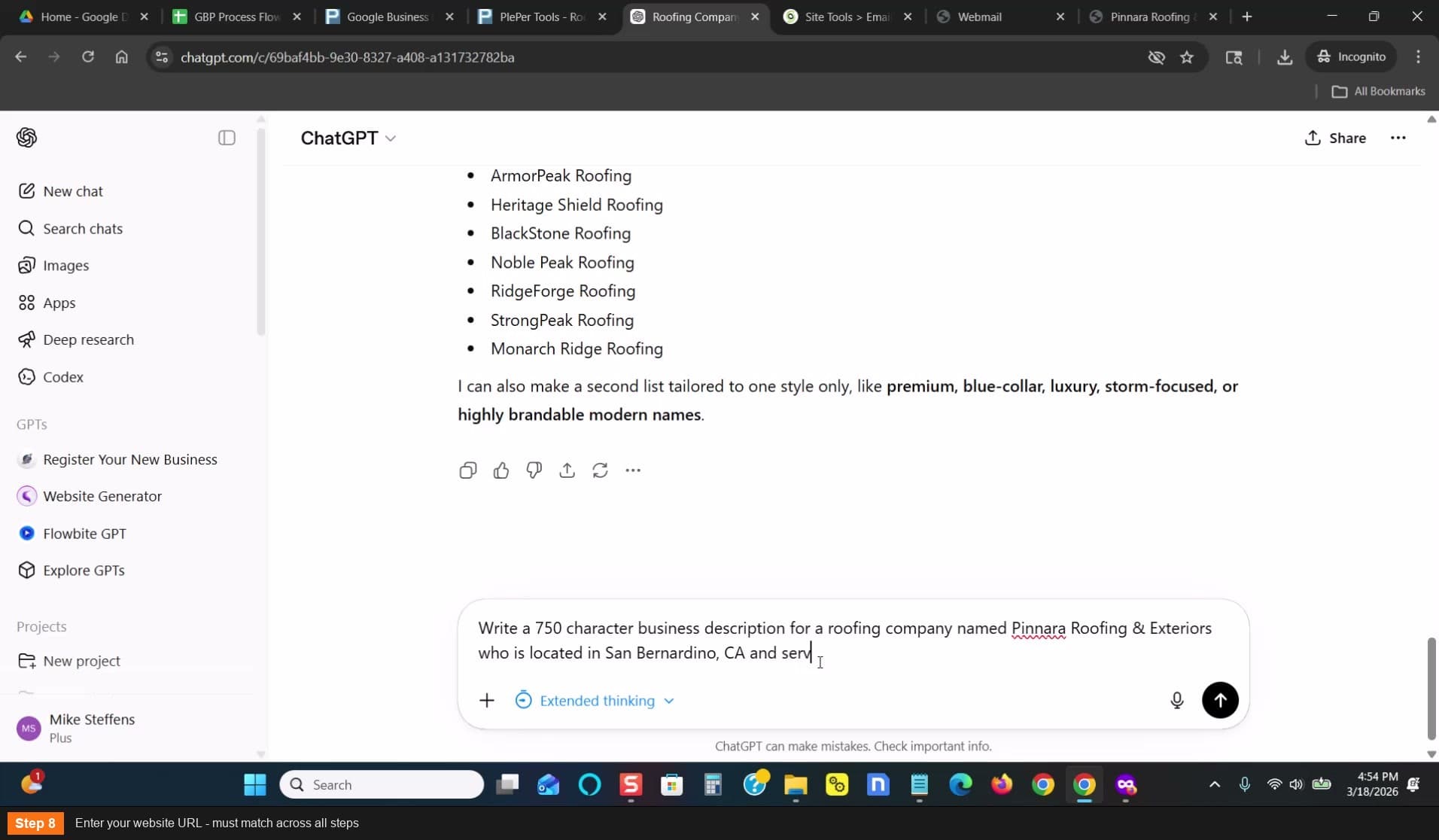
Enter your website URL - must match across all steps
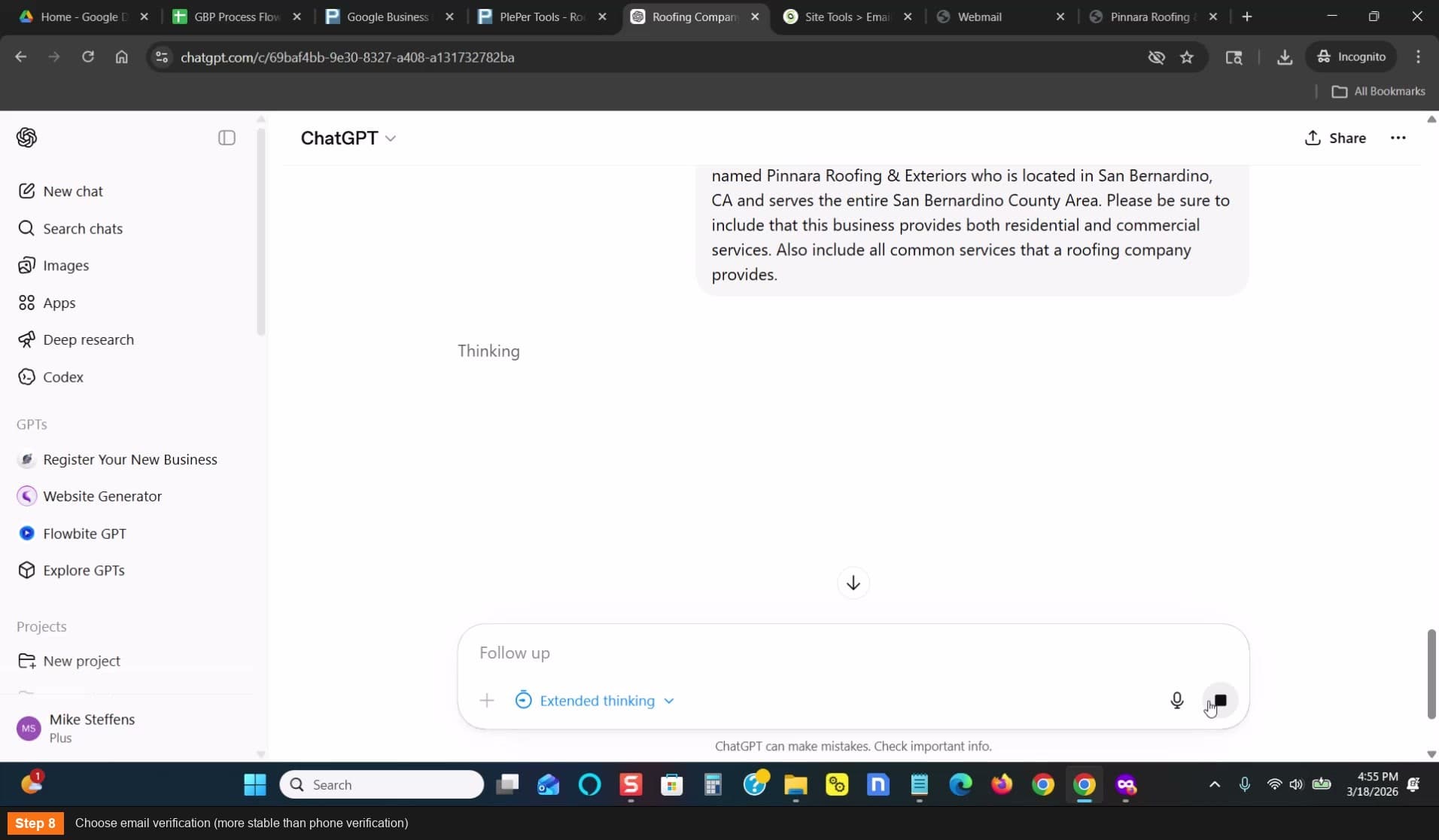
Choose email verification (more stable than phone)
Open the verification email
Go to your SiteGround webmail (e.g., contact@yourdomain.shop)
- Find the verification email from Google
- OPEN the email — don't just look at the code. Google may track whether you opened it.
- Don't enter the code yet — just open the email
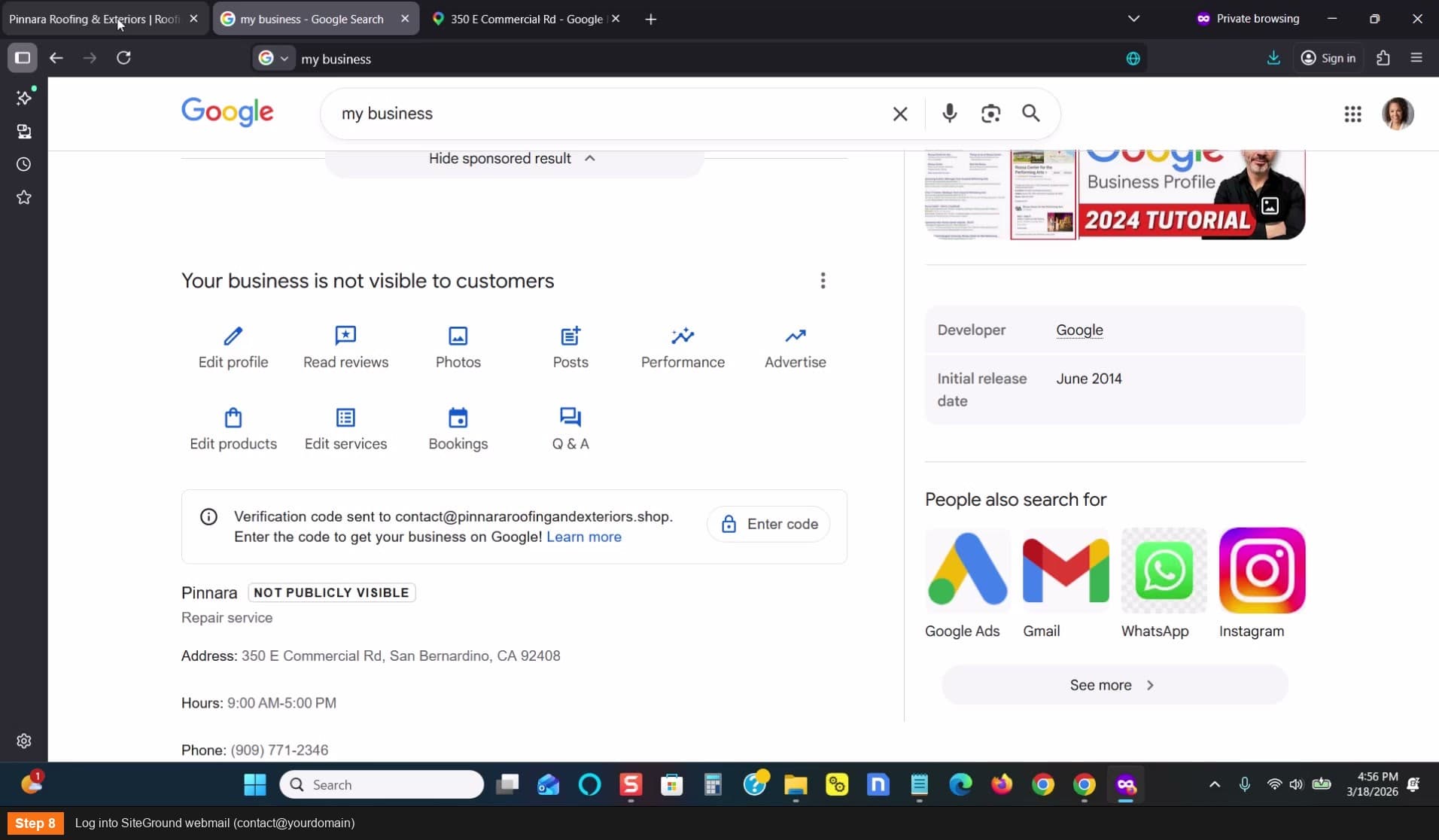
Log into SiteGround webmail
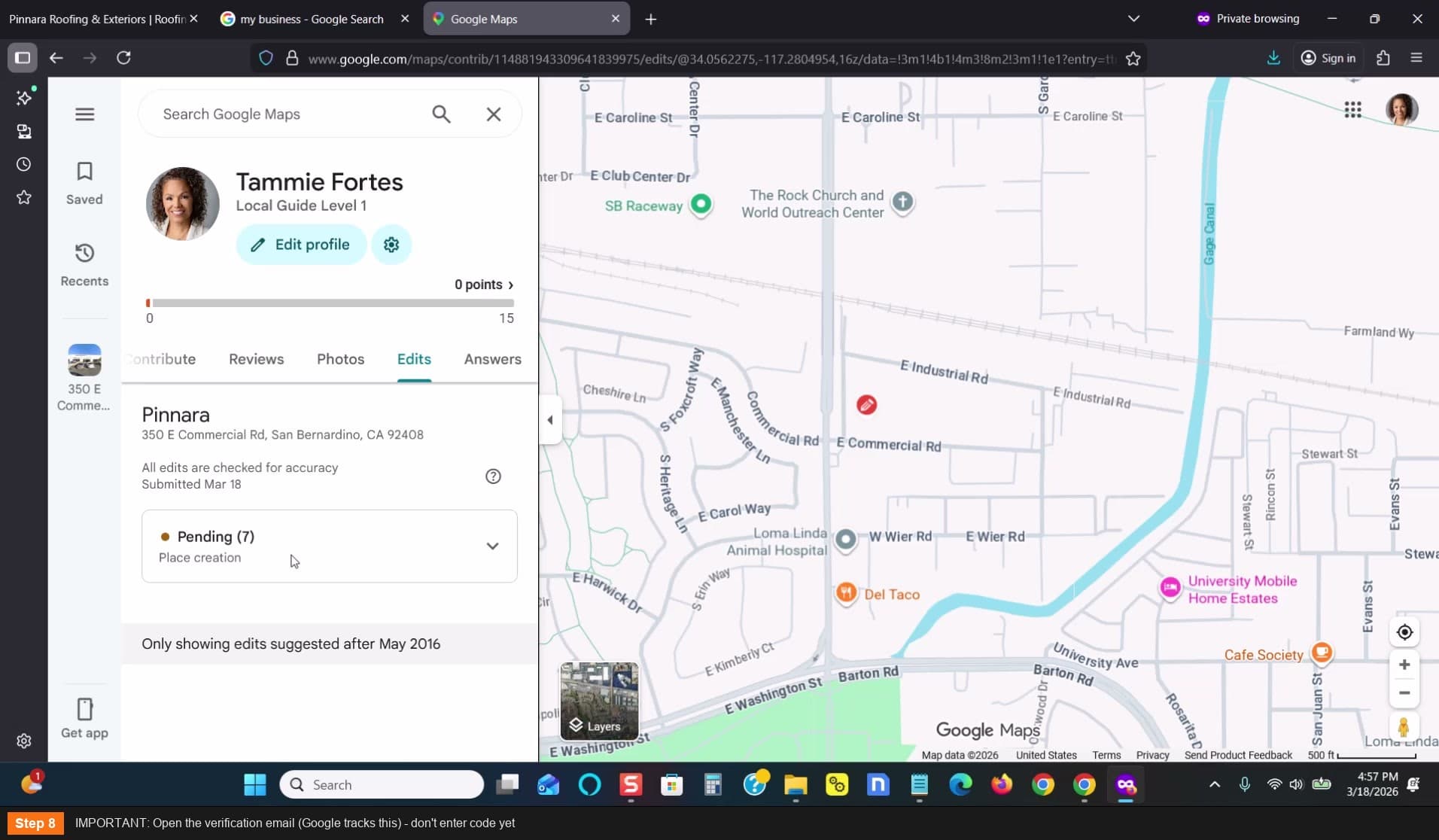
IMPORTANT: Open the email (Google tracks this) - don't enter code yet
Fill out the Business Profile completely
Go to Business Profile in the dashboard
- Set hours: 9 AM to 5 PM (keep it simple)
- Go to ChatGPT: "Write a 750 character business description for [business name], located in [city], [state], serving [county/area]. Include residential and commercial services and all common services for [category]."
- Copy and paste the description (aim for ~700-750 characters)
- Fill in all other available fields
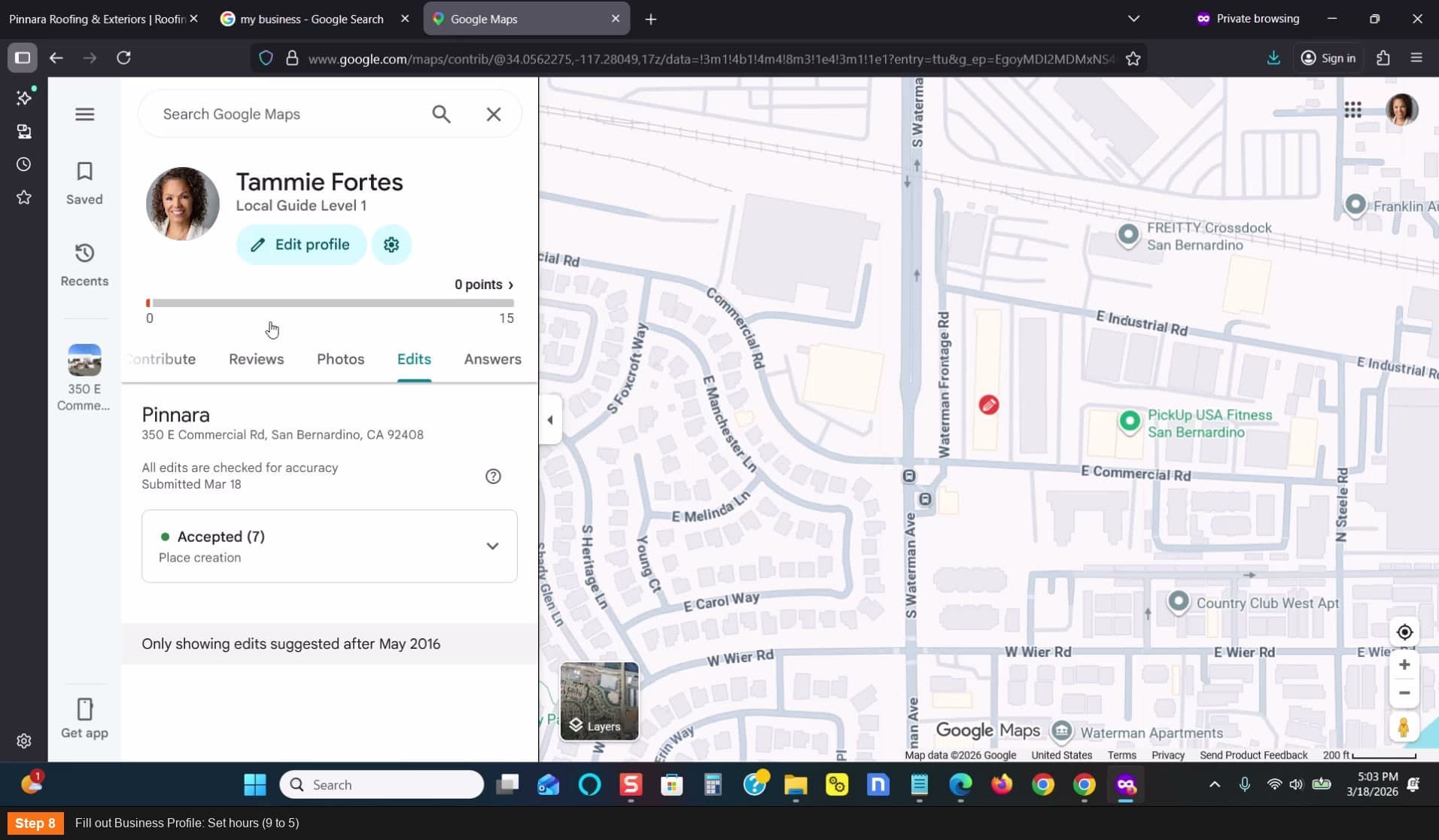
Fill out Business Profile: Set hours (9 to 5)
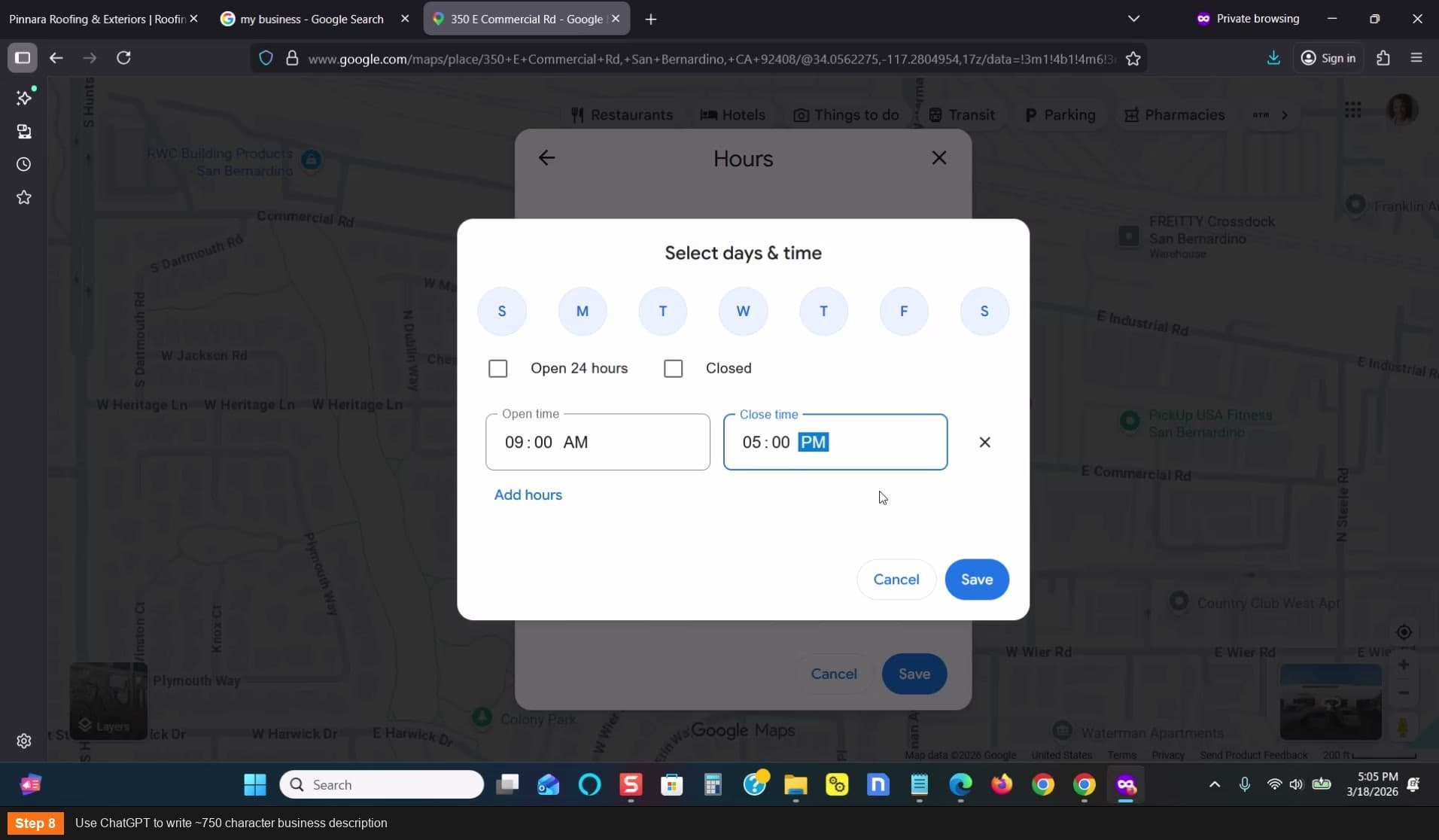
Use ChatGPT to write ~750 character business description
Execute Pin Drop #1 — Starting Category
Go to maps.google.com — search your address — click "Add a Missing Place"
- Name: Use just a SHORT version of the name (e.g., just "Panara" — not the full name yet)
- Category: Your starting category (e.g., Repair Service)
- Hours: 9 AM to 5 PM (match the dashboard)
- Phone number: Same as the profile
- Website URL: Same as the profile
- Click Submit
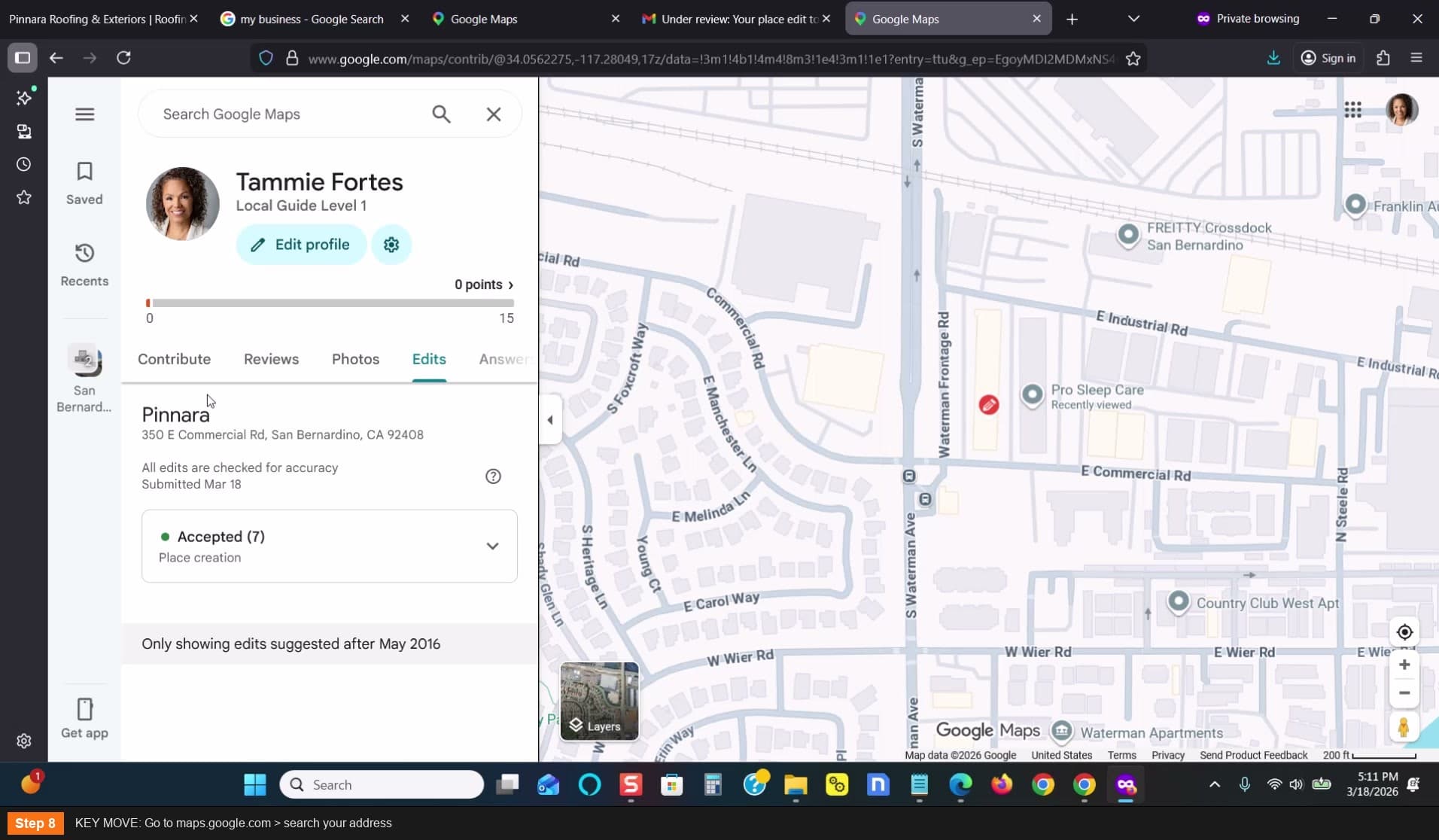
KEY MOVE: Go to maps.google.com > search your address
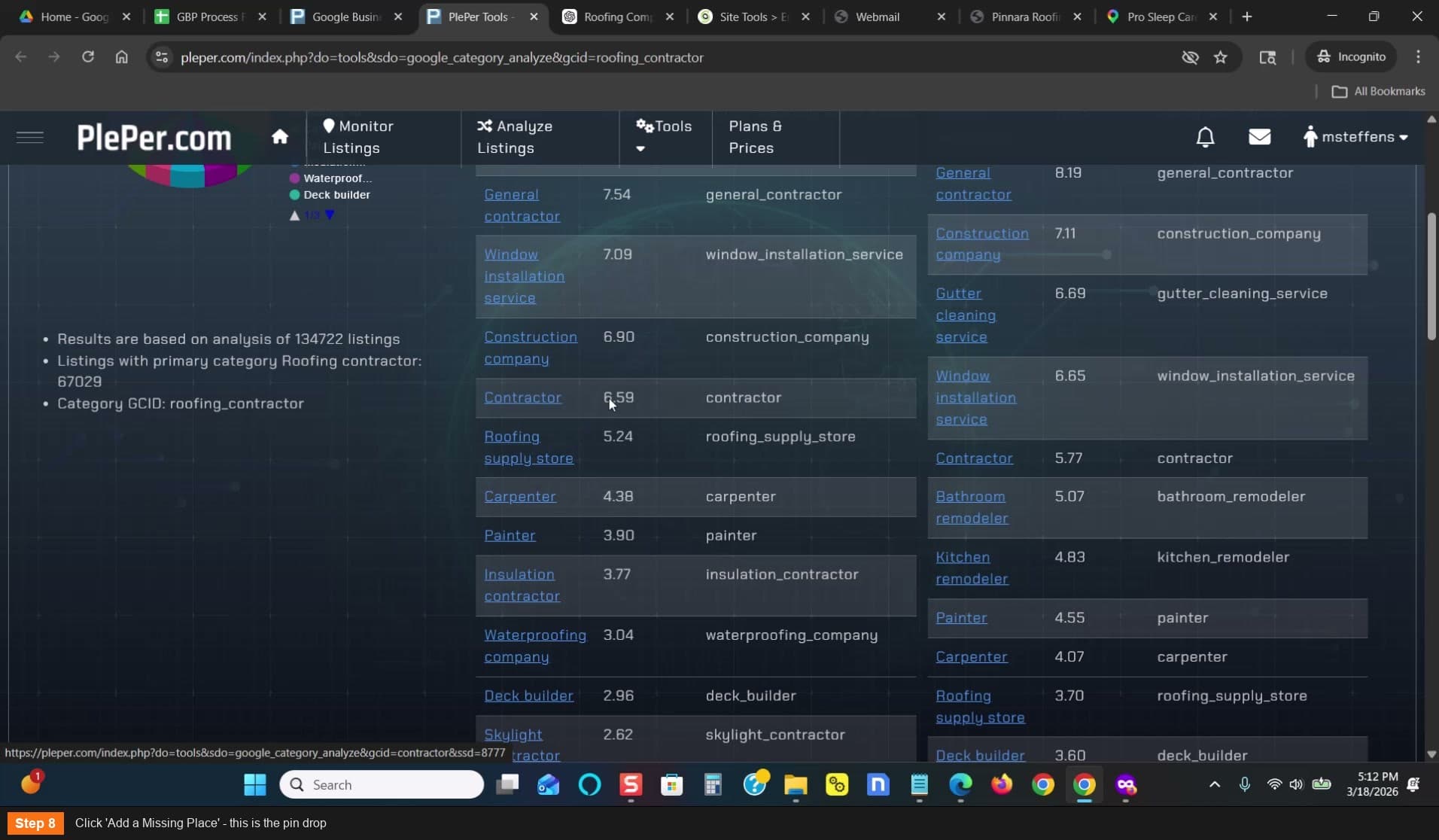
Click Add a Missing Place - this is the pin drop
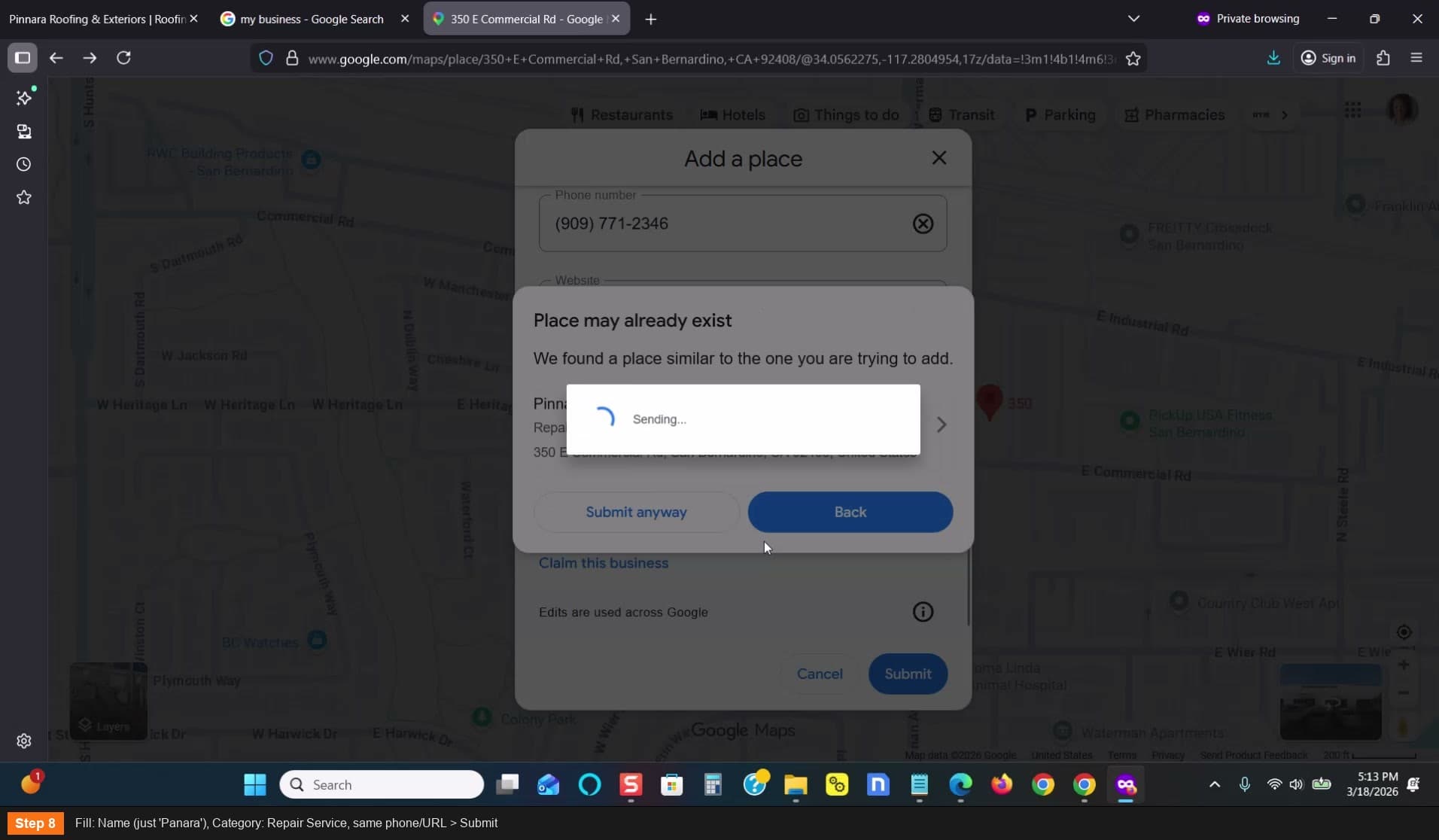
Fill: Name (just Panara), Category: Repair Service > Submit
Wait for the edit decision
- The suggested edit will either be Accepted or Not Accepted
- Don't sit around — work on other listings while waiting
- If it gets stuck in Pending, that's okay — continue anyway
- Check back periodically
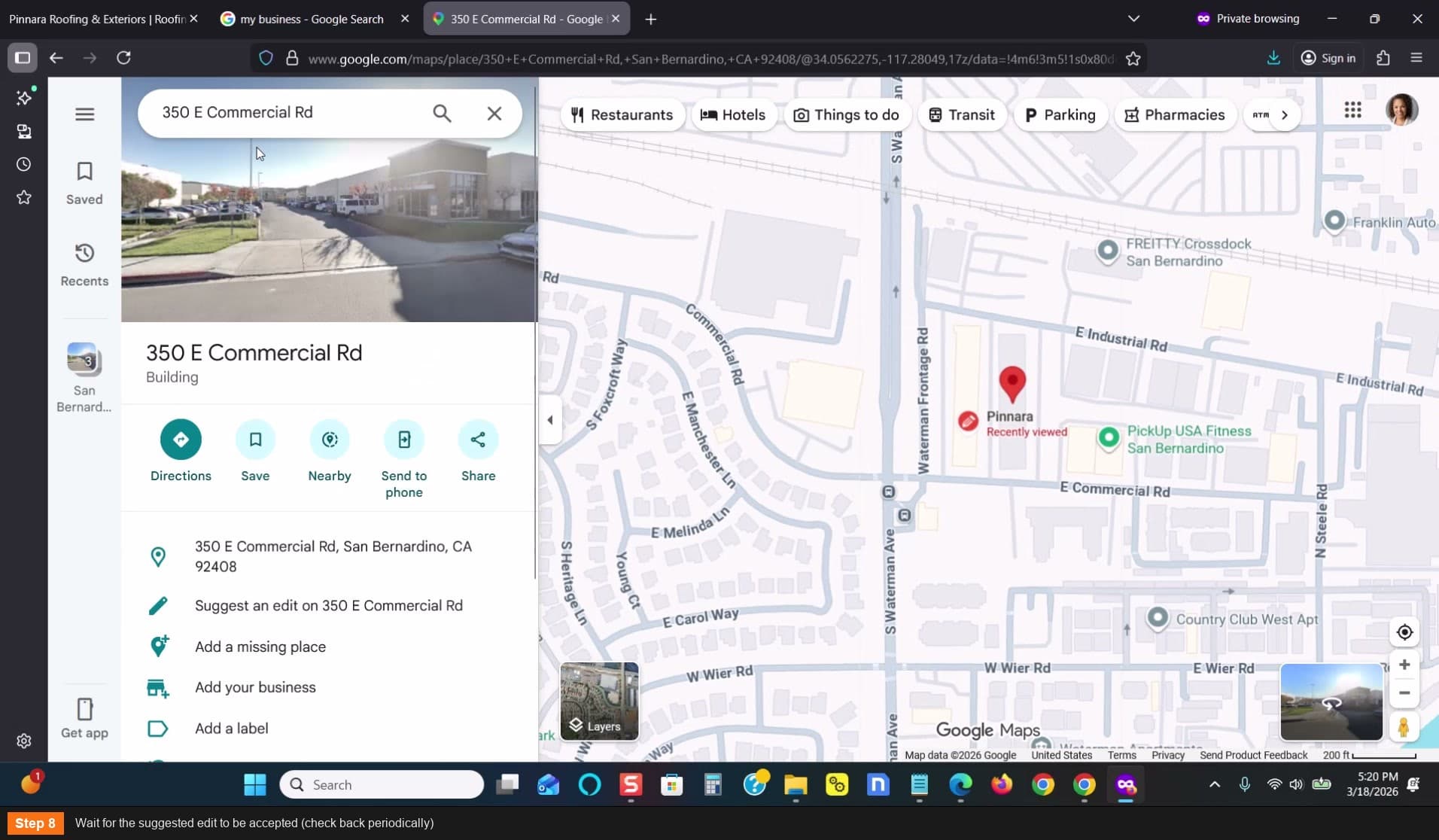
Wait for the suggested edit to be accepted
Execute Pin Drop #2 — Intermediate Category
Once the first edit is accepted, do another pin drop at the same address
- Go to maps.google.com — search the address again
- Click "Add a Missing Place"
- Name: Same short name (e.g., "Panara")
- Category: Step UP to intermediate (e.g., Contractor)
- Phone number and website URL: Same as before — these MUST match
- Submit and wait for acceptance
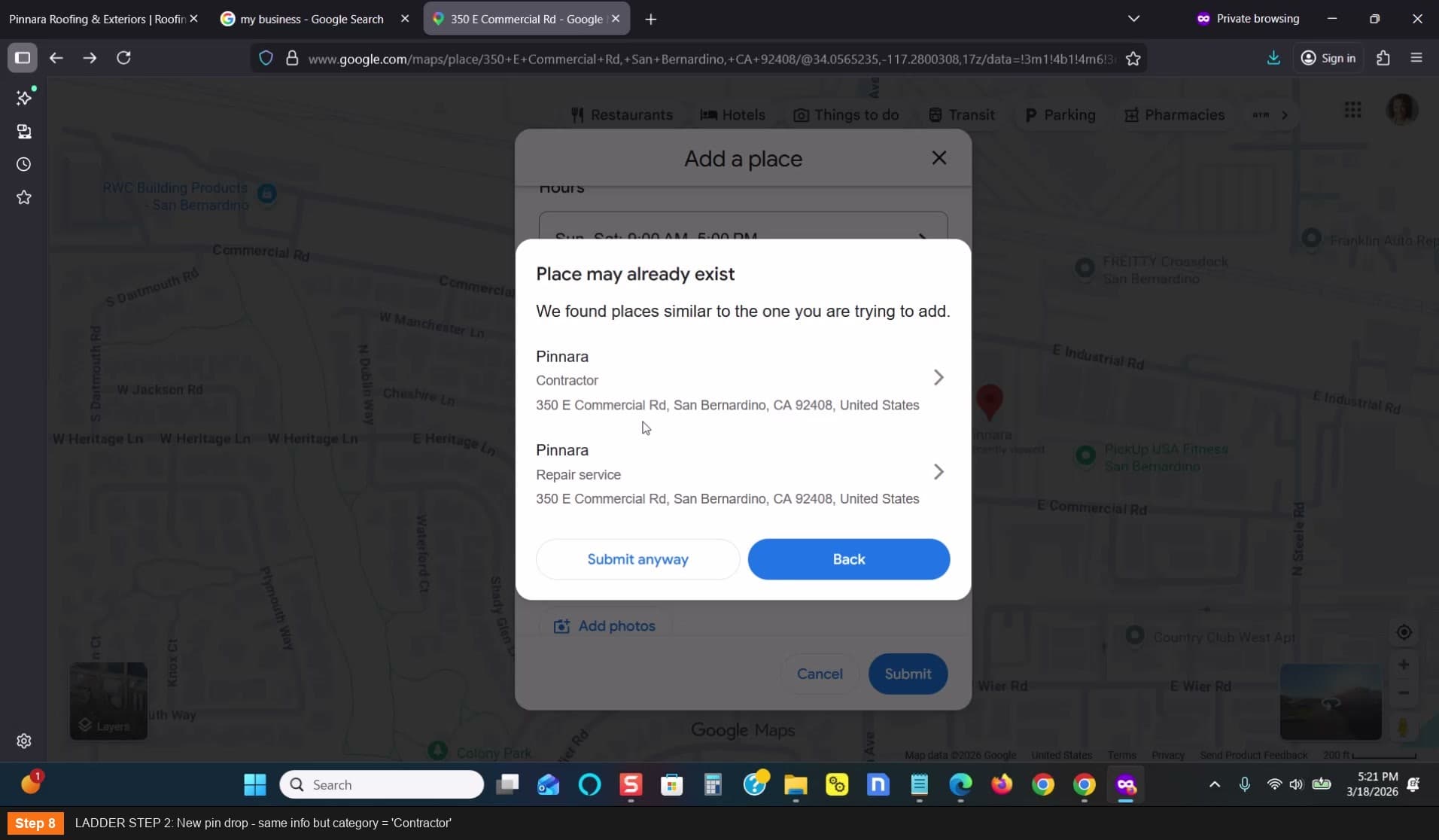
LADDER STEP 2: New pin drop - category = Contractor
Execute Pin Drop #3 — Target Category
After the intermediate category is accepted, do the final pin drop
- Go to maps.google.com — search the address again
- Click "Add a Missing Place"
- Name: Now add more of the name (e.g., "Panara Roofing" or the full name)
- Category: Your TARGET category (e.g., Roofing Contractor)
- Phone number and website URL: Same as always
- Submit
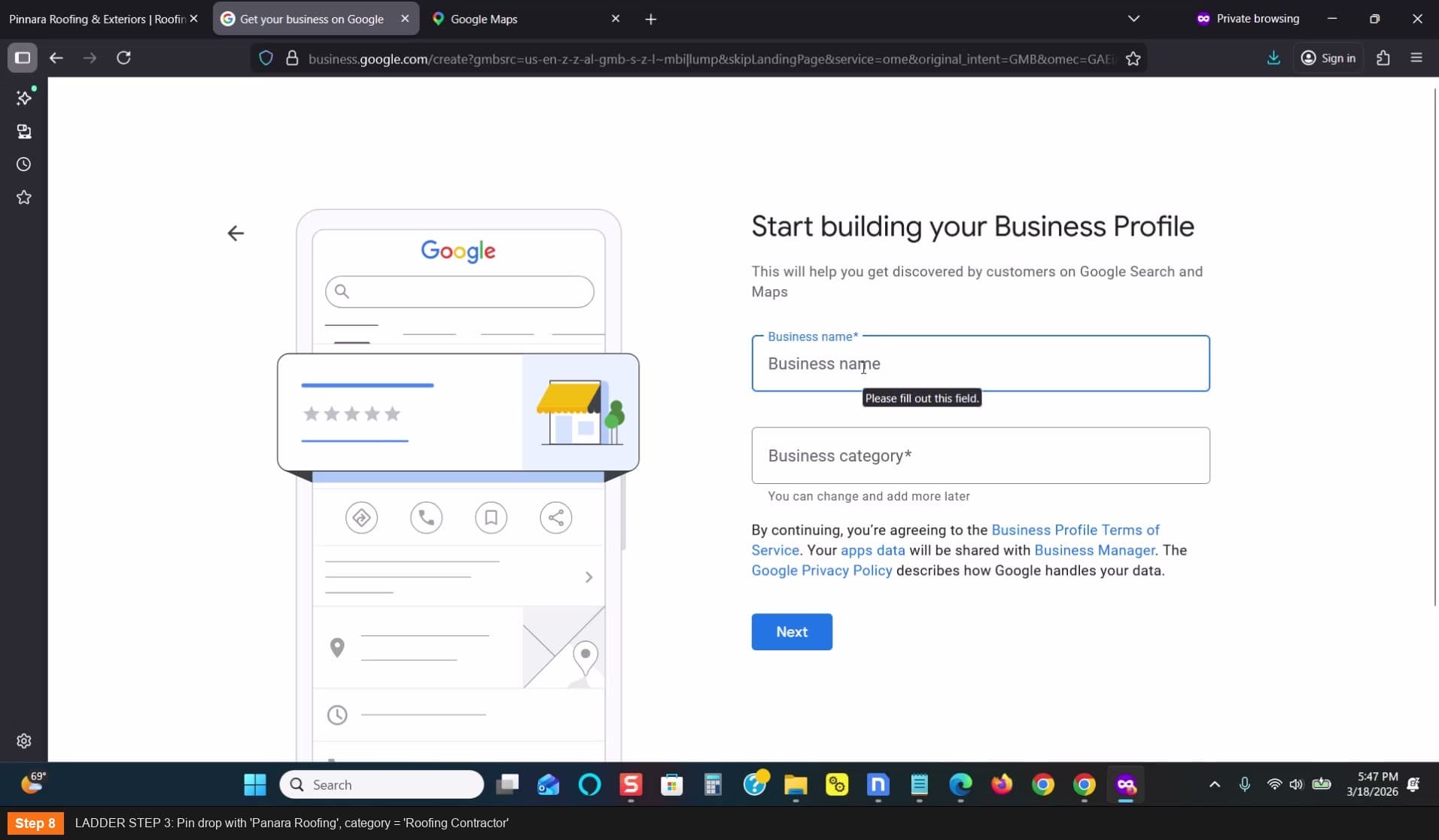
LADDER STEP 3: Pin drop with Panara Roofing, category = Roofing Contractor
Try direct submission with full name (optional escalation)
If pin drop #3 is pending or not accepted:
- Create a second email address in SiteGround (e.g., jason@yourdomain.shop)
- Go back to business.google.com
- Submit with the FULL business name and TARGET category directly
- The ladder steps have built enough trust that this often works now
- Fill out all profile info before submitting — incomplete profiles get stuck in pending
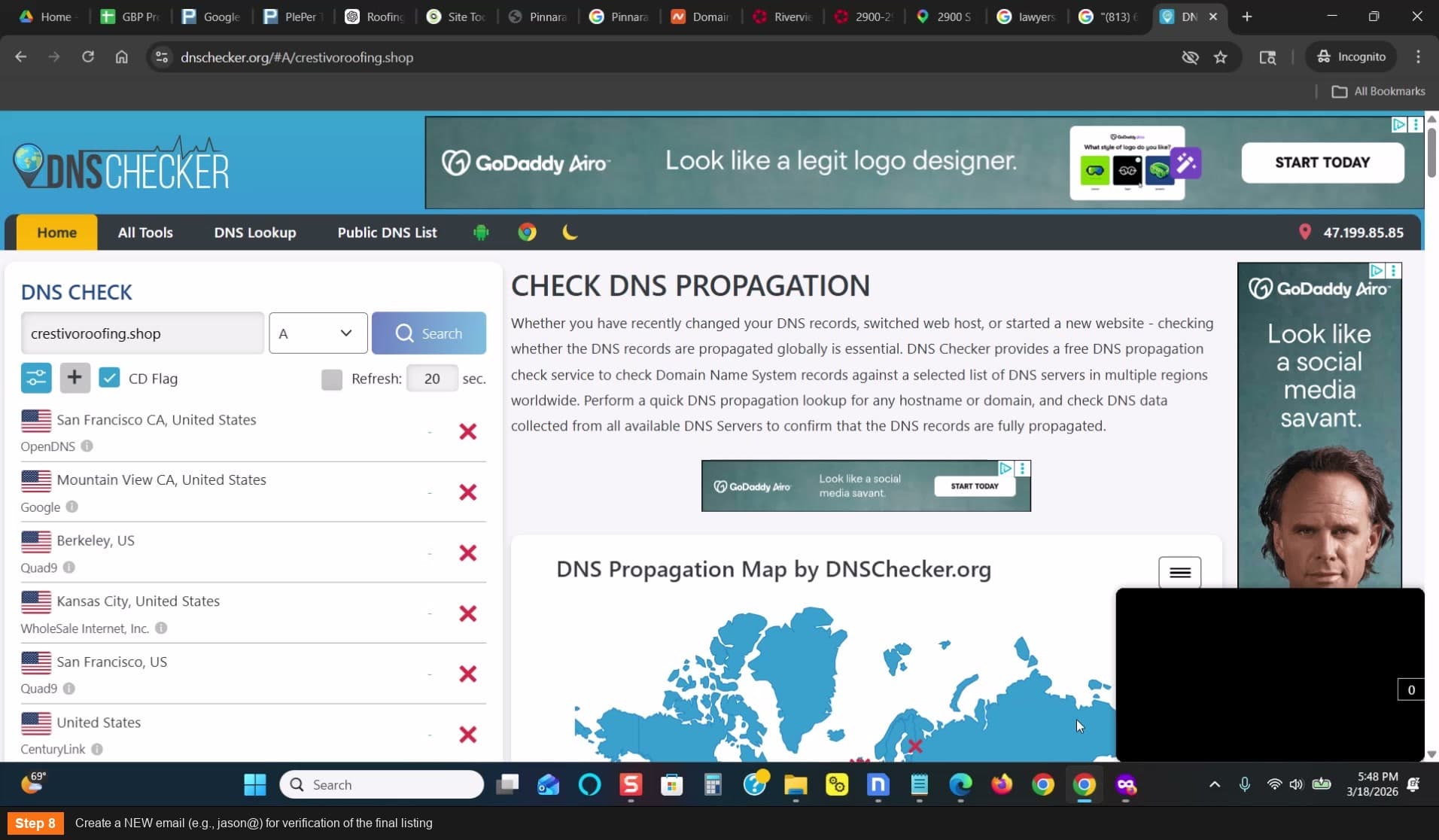
Create a NEW email for verification of the final listing
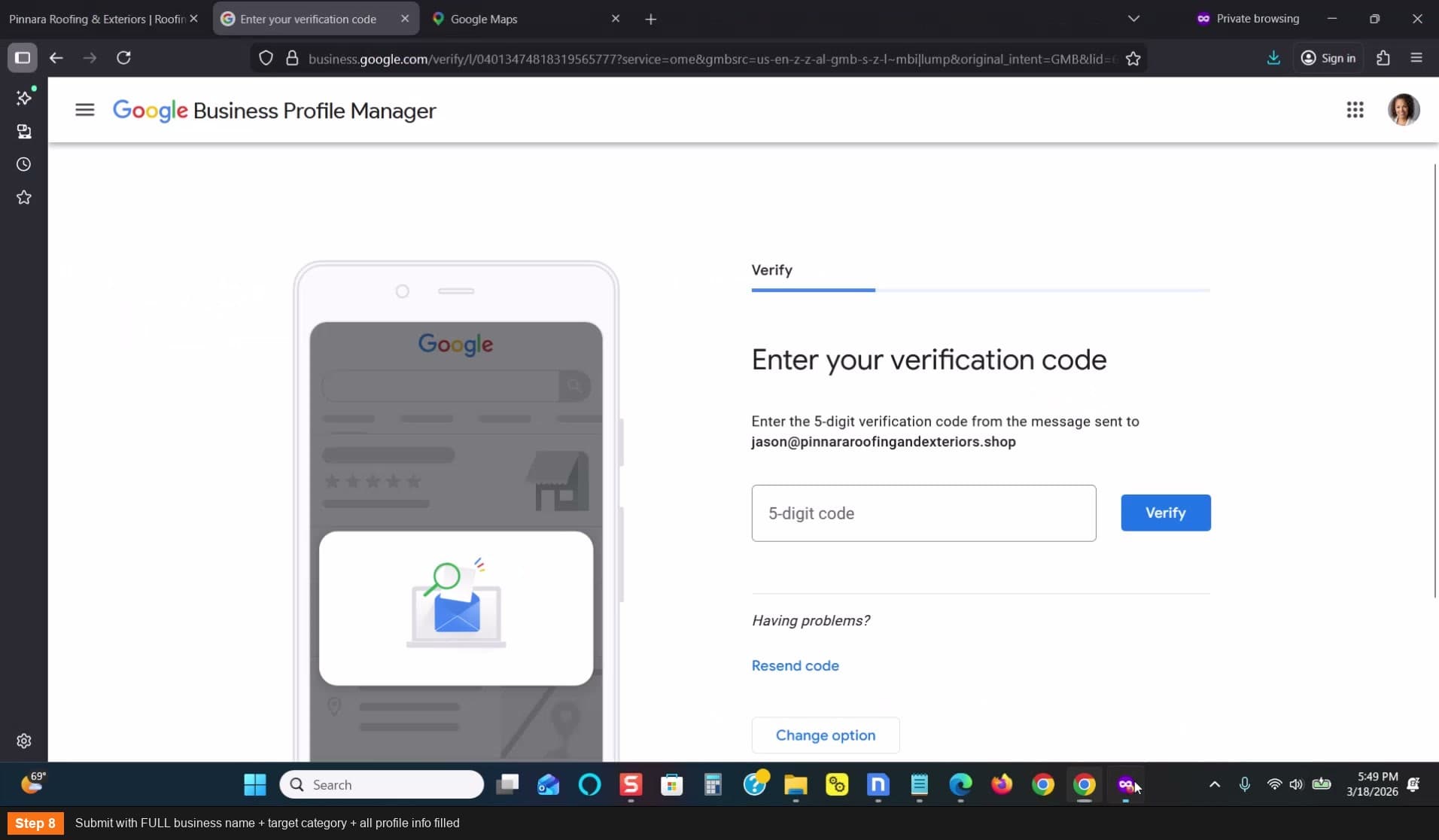
Submit with FULL business name + target category
Enter verification code and go live
- Go back to your GBP dashboard
- Enter the verification code from your email
- 9 out of 10 times it will go live
Result: Repair Service > Contractor > Roofing Contractor (ladder complete!)
Merge duplicate listings
The ladder process may create multiple listings at the same address
- This is normal — you'll have listings for each category you pin-dropped
- Merge them into the final listing with your target category
- After merging, only one listing should remain
Build the name incrementally: start with just "Panara", then "Panara Roofing", then the full "Panara Roofing and Exteriors"
Fresh or aged-no-activity Gmail accounts work best for this
Don't wait around between pin drops — work on other listings. Come back and check.
The ladder path is: Easy Category (Repair Service) — Medium (Contractor) — Target (Roofing Contractor)
Trial and error is part of the process — reach out for category-specific guidance