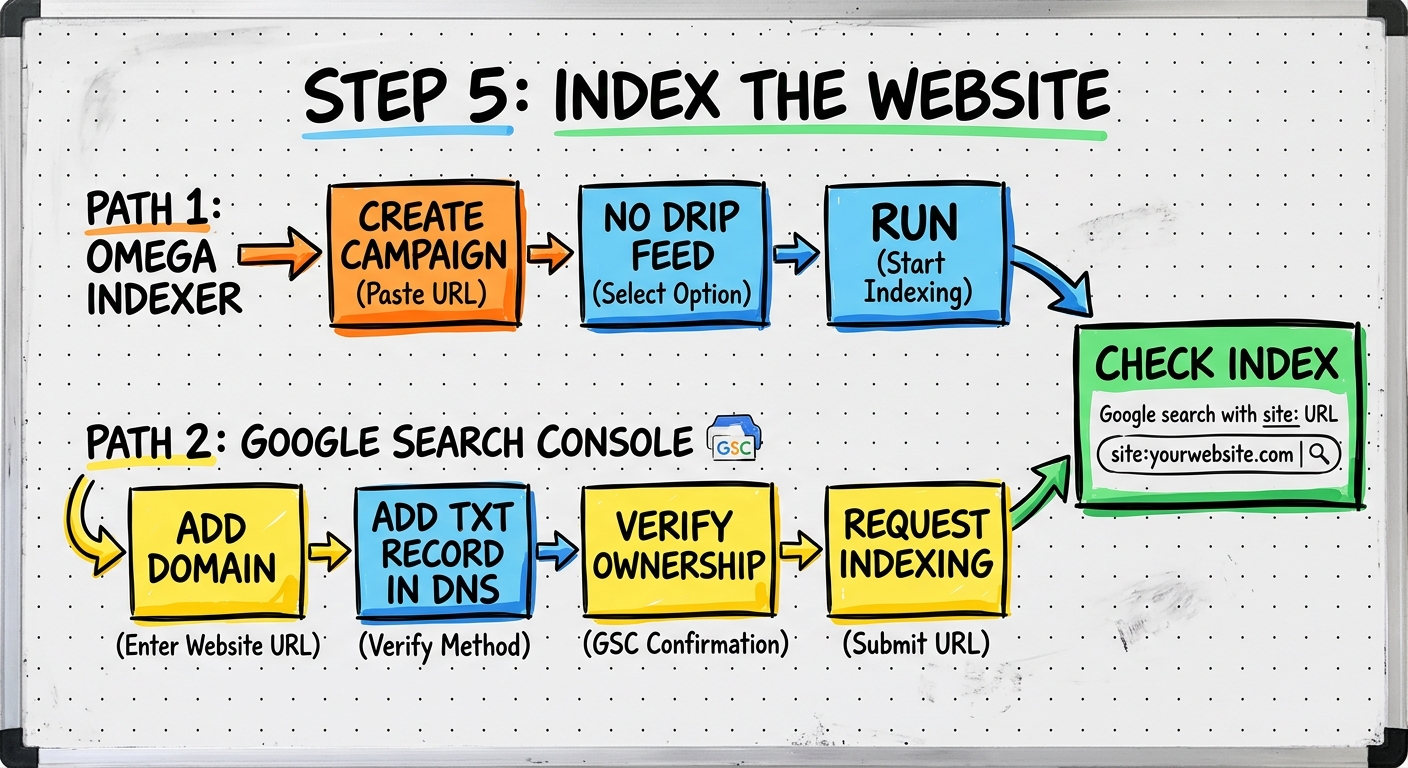
Index the Website
Get the site indexed BEFORE proceeding to the next steps — it significantly improves the effectiveness of the method
Submit URL to Omega Indexer
Go to omegaindexer.com — click Campaigns — Create Campaign
- Name the campaign after your business
- Paste your website URL
- Set drip feed to "No Drip Feed" for fastest indexing
- Click Create and Run — uses 1 credit per URL
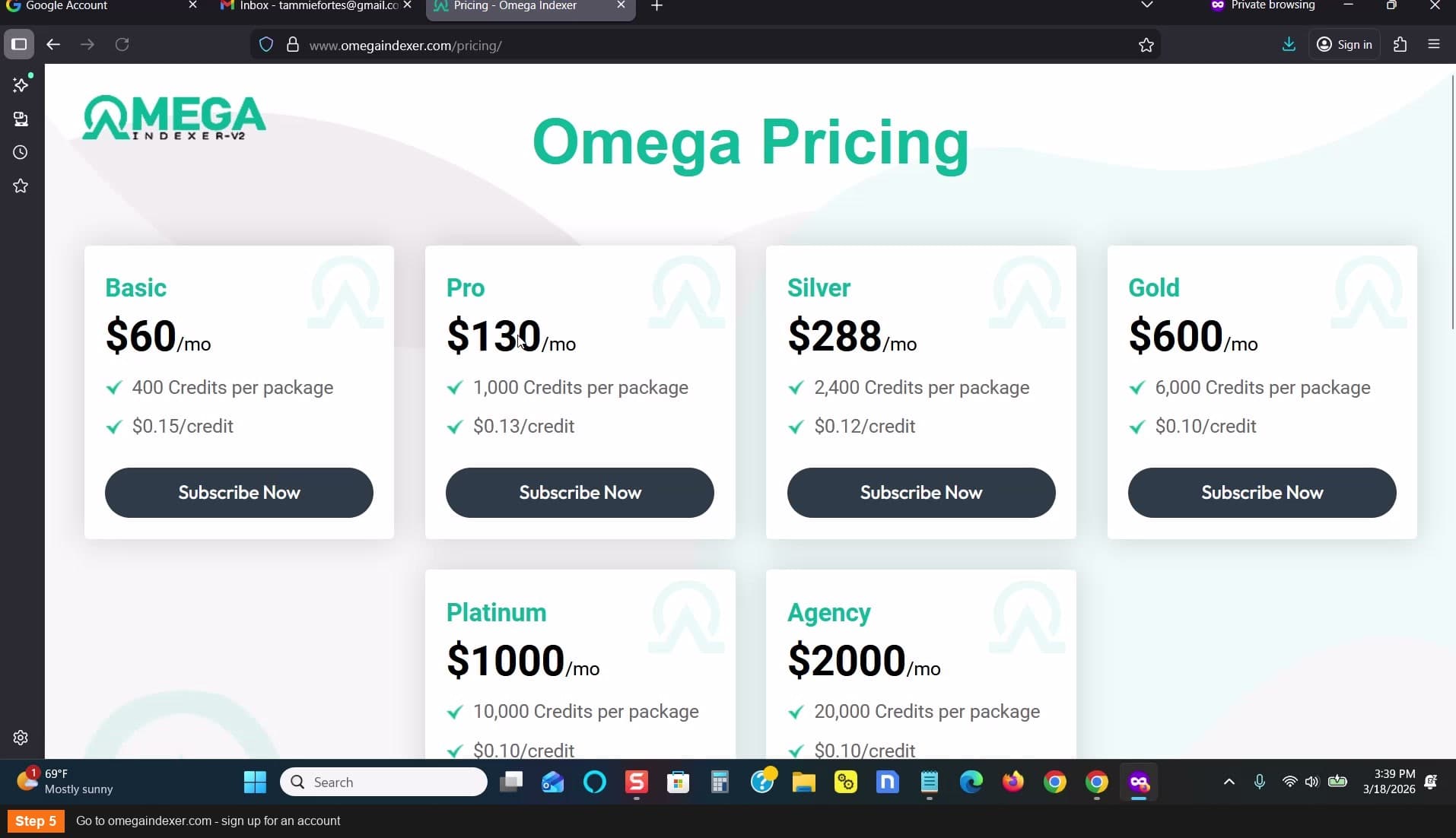
Go to omegaindexer.com
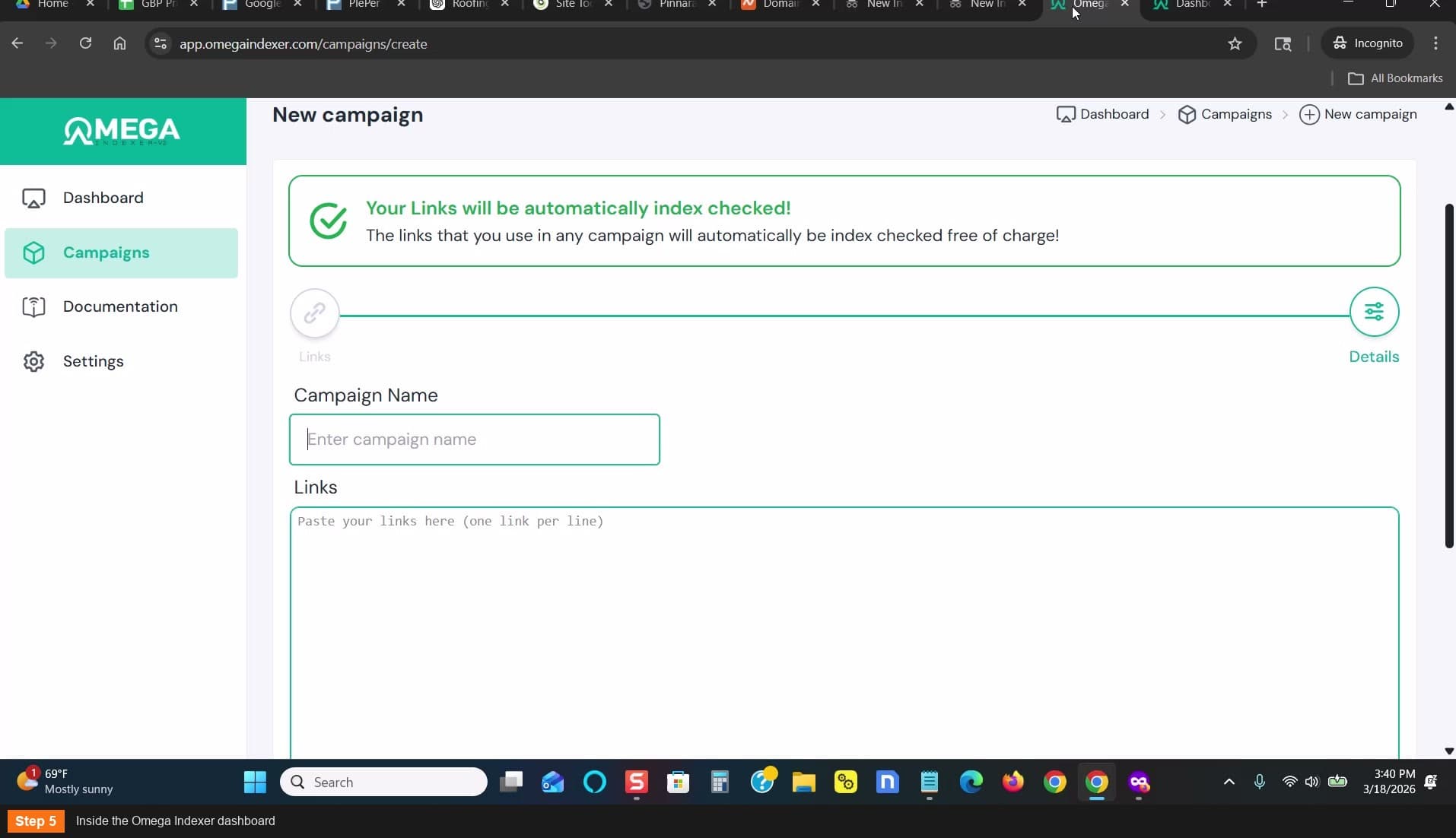
Inside the Omega Indexer dashboard
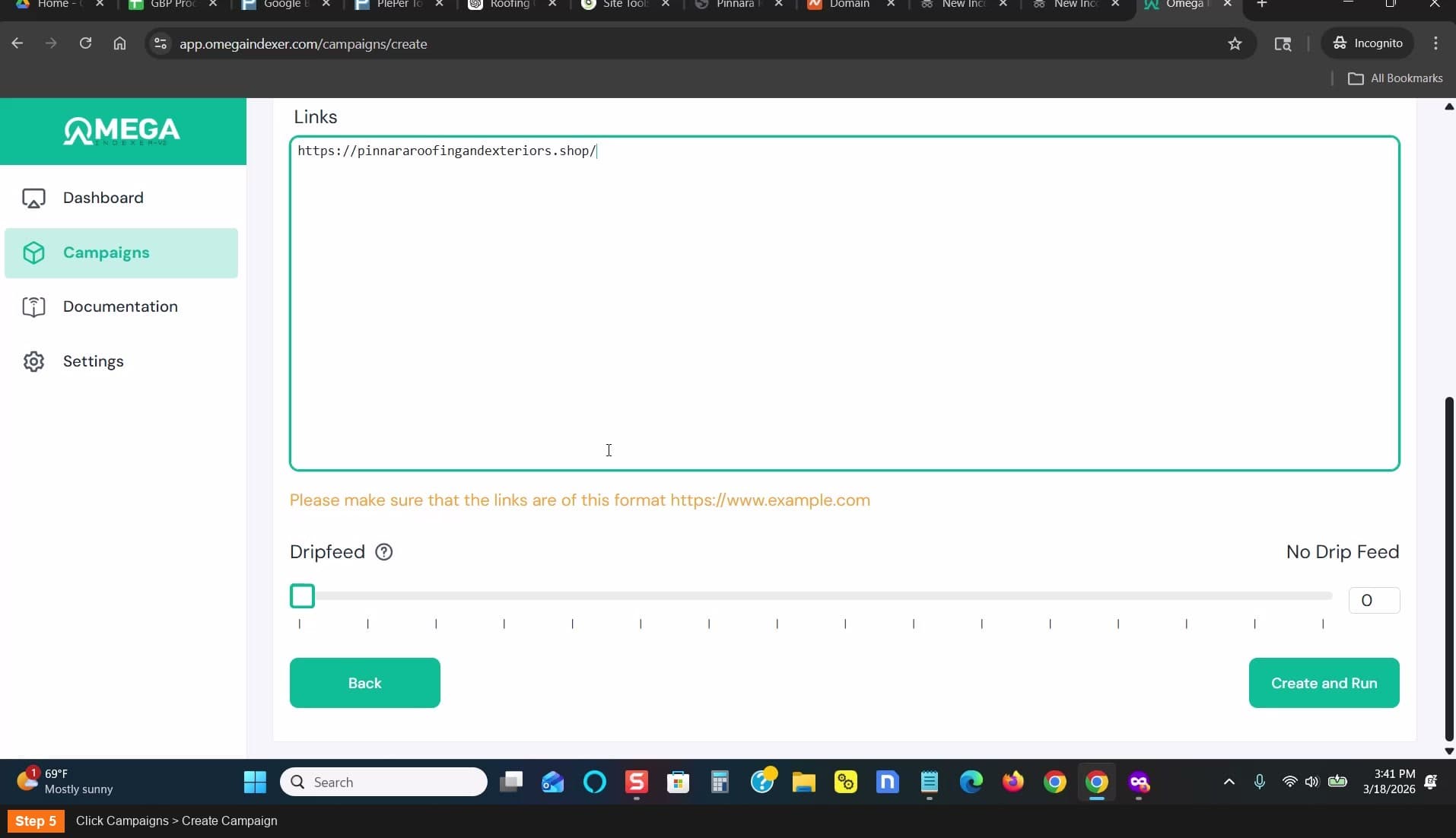
Click Campaigns > Create Campaign
Paste URL, name campaign, set No Drip Feed
Click Create and Run - campaign created
Add domain to Google Search Console
Go to search.google.com/search-console — enter just your domain (not full URL)
- Click Continue
- Copy the TXT record provided for verification
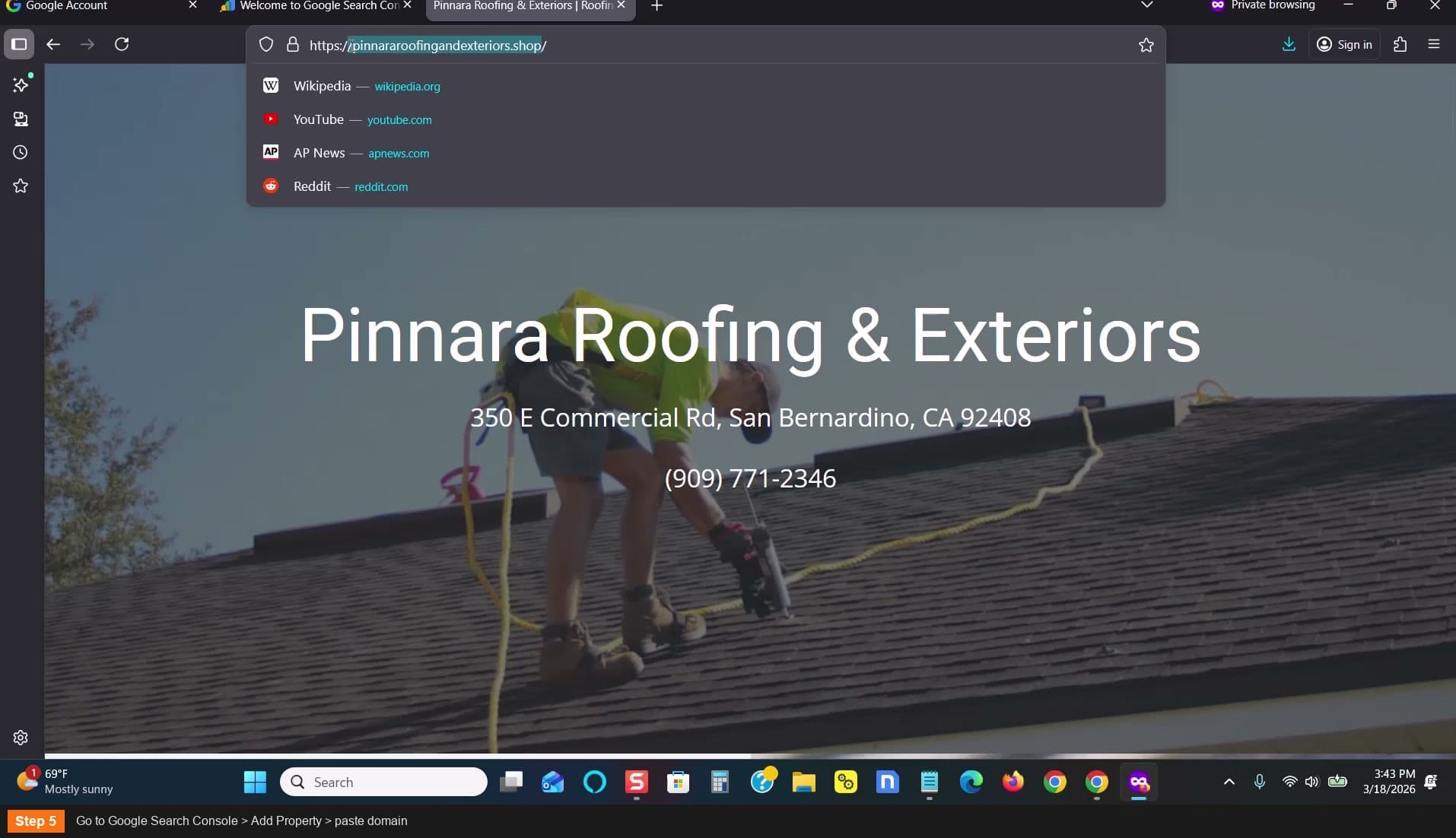
Go to Search Console > Add Property
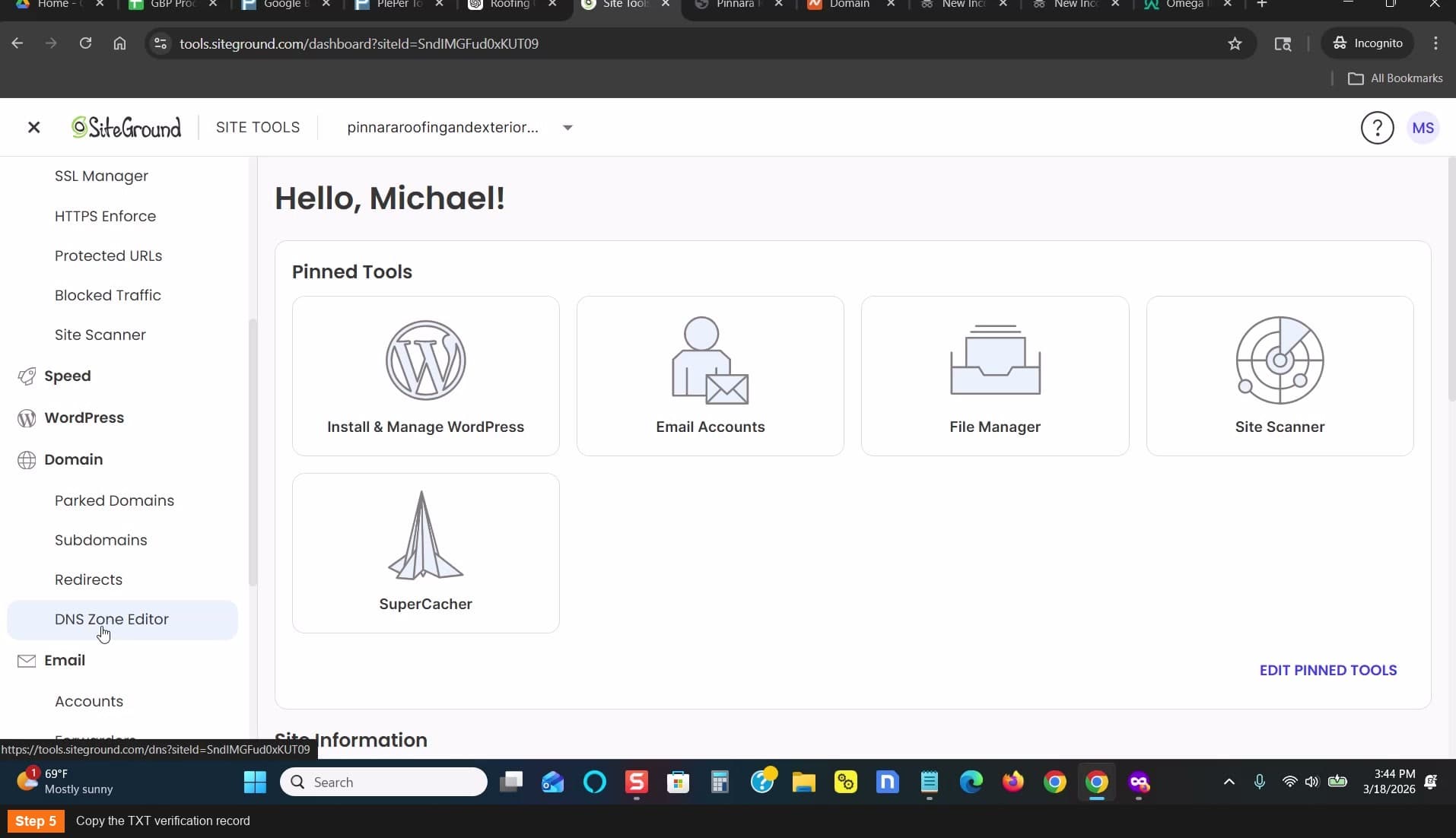
Copy the TXT verification record
Add DNS verification record
In SiteGround: go to Domain — DNS Zone Editor
- Find the SPF record (starts with v=spf1)
- Click the pencil icon to edit
- Delete the existing content
- Paste the verification code from Search Console
- Click Confirm
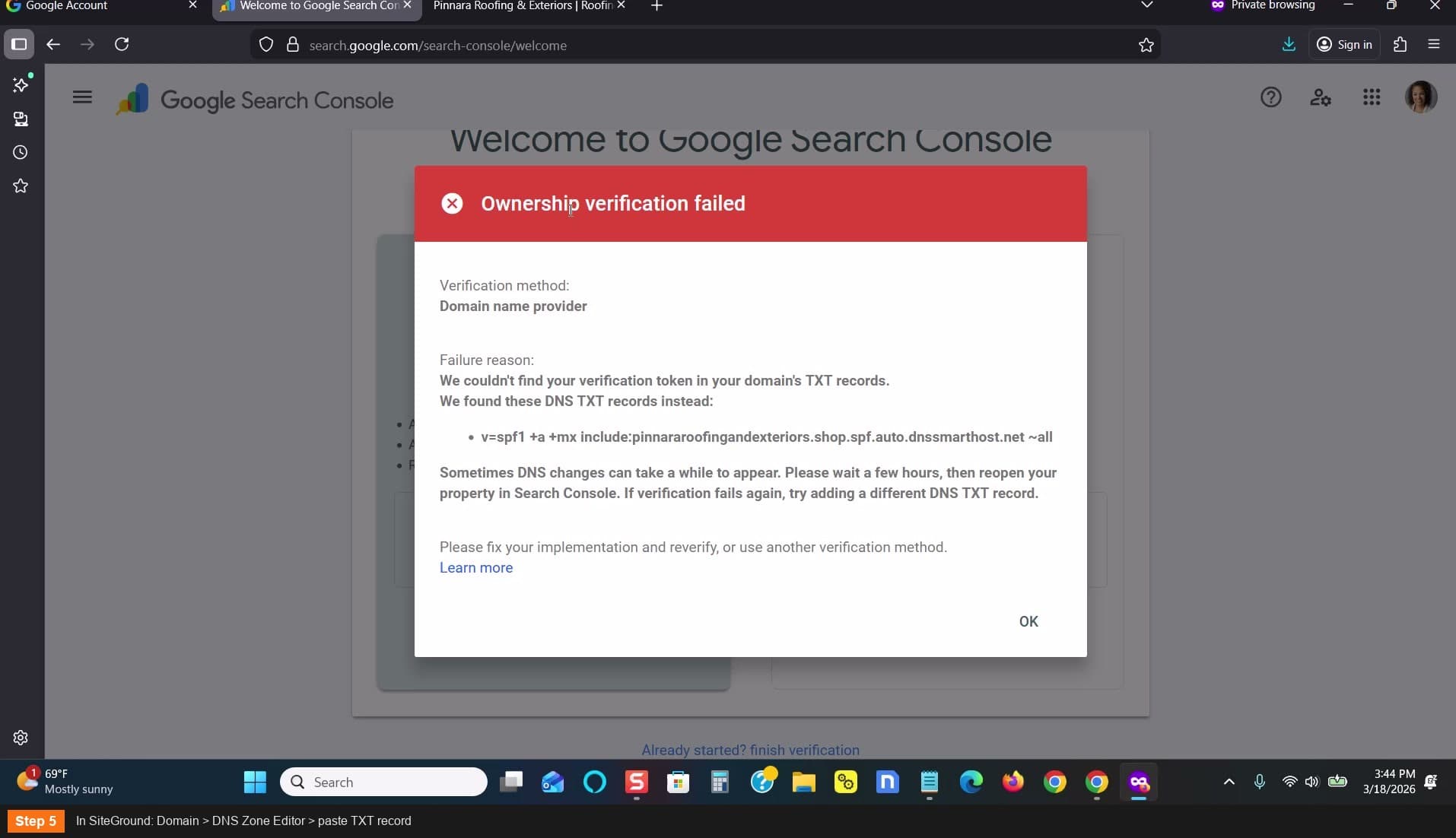
In SiteGround: Domain > DNS Zone Editor
Verify domain ownership in Search Console
- Go back to Search Console
- Click Verify
- If it fails, wait 1-2 minutes and try again
- Once verified, click Go to Property
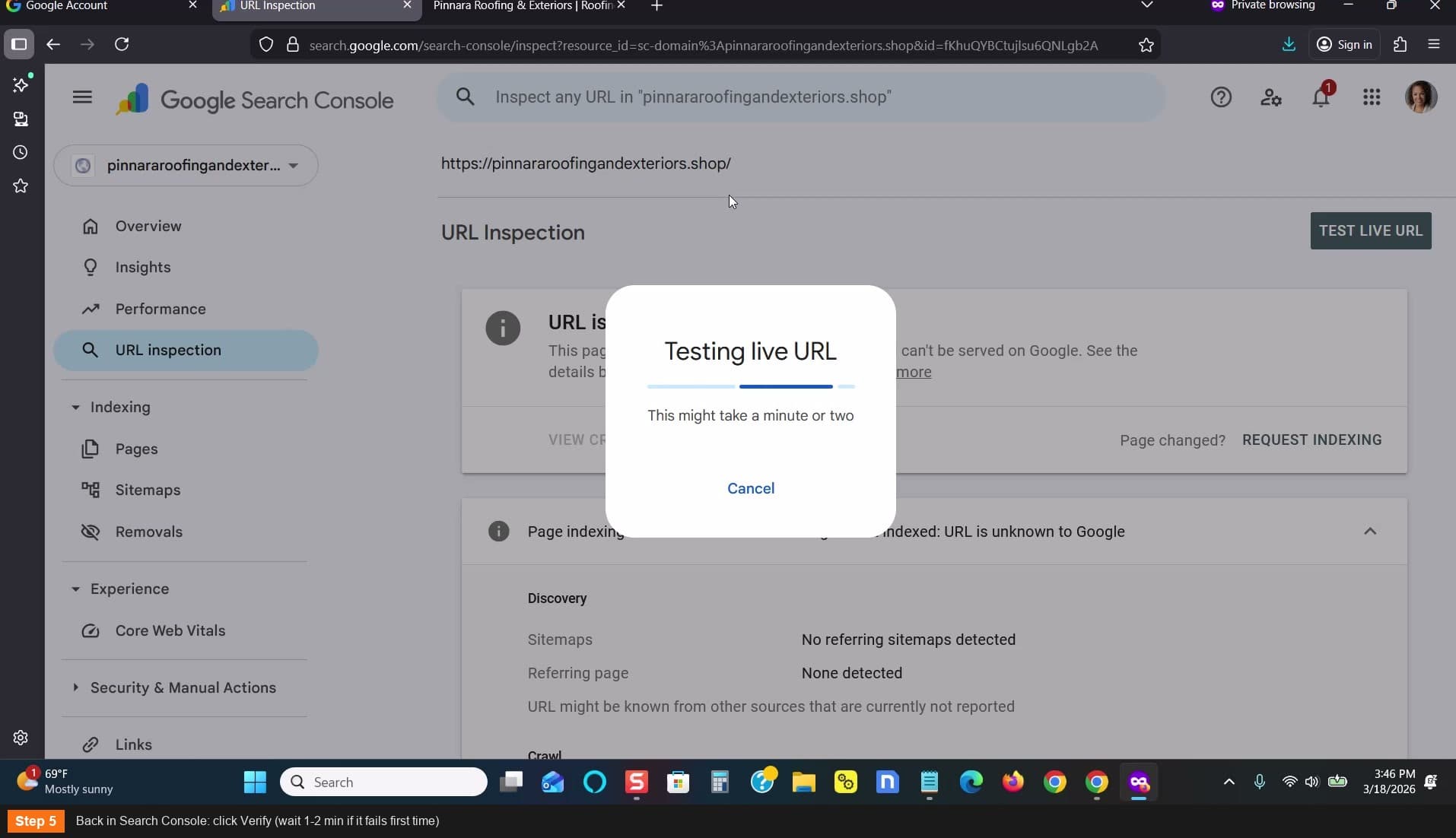
Click Verify (wait 1-2 min if it fails first time)
Request indexing
- Paste your full website URL in the Search Console search bar
- Click Test Live URL
- Click Request Indexing
- Done — Google will now crawl and index the page
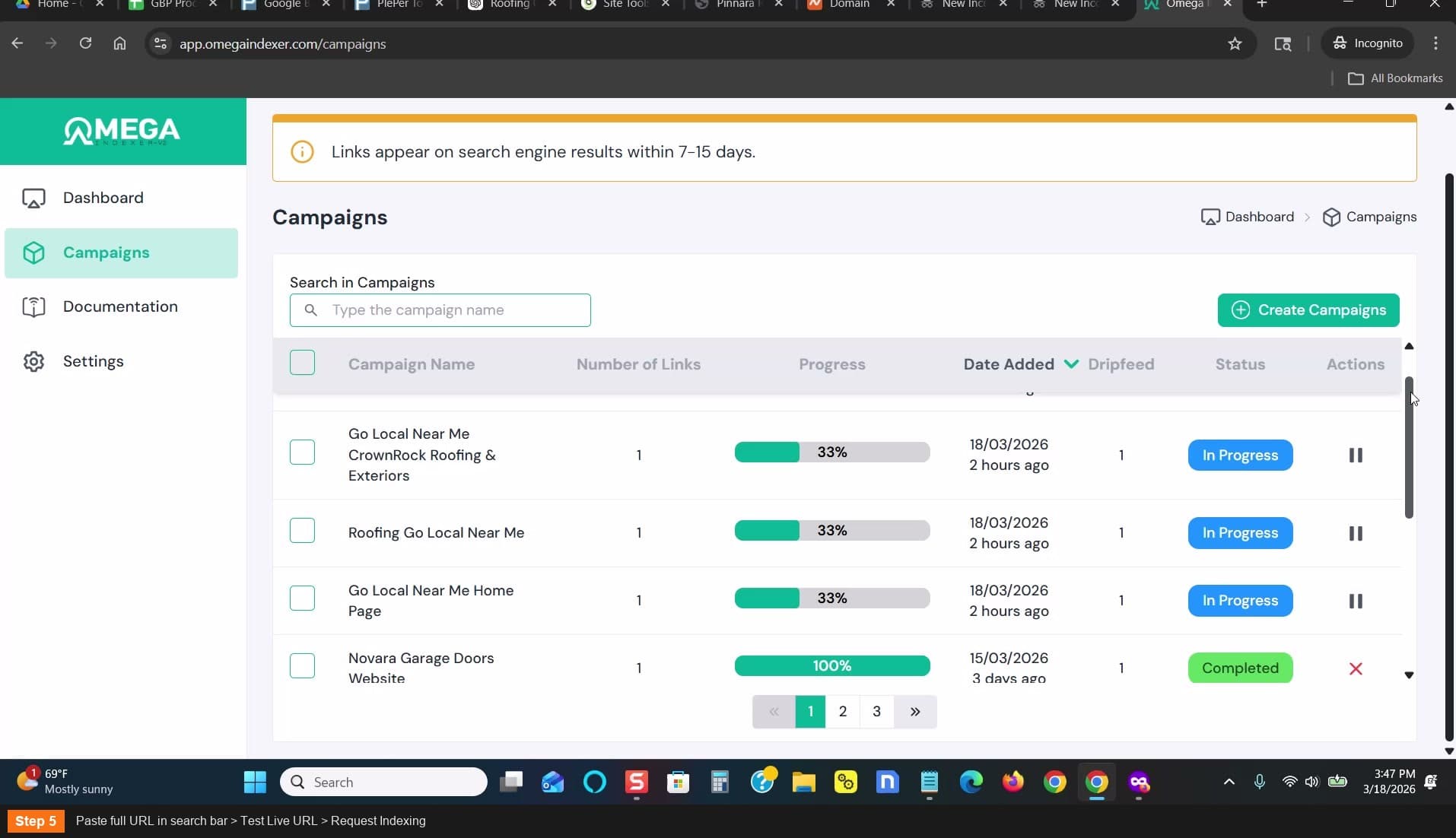
Paste URL > Test Live URL > Request Indexing
Verify indexing later
- In Omega Indexer: click on your campaign to check status
- In Google: search site:yourdomain.com
- Indexing usually happens within a day or less when using both methods
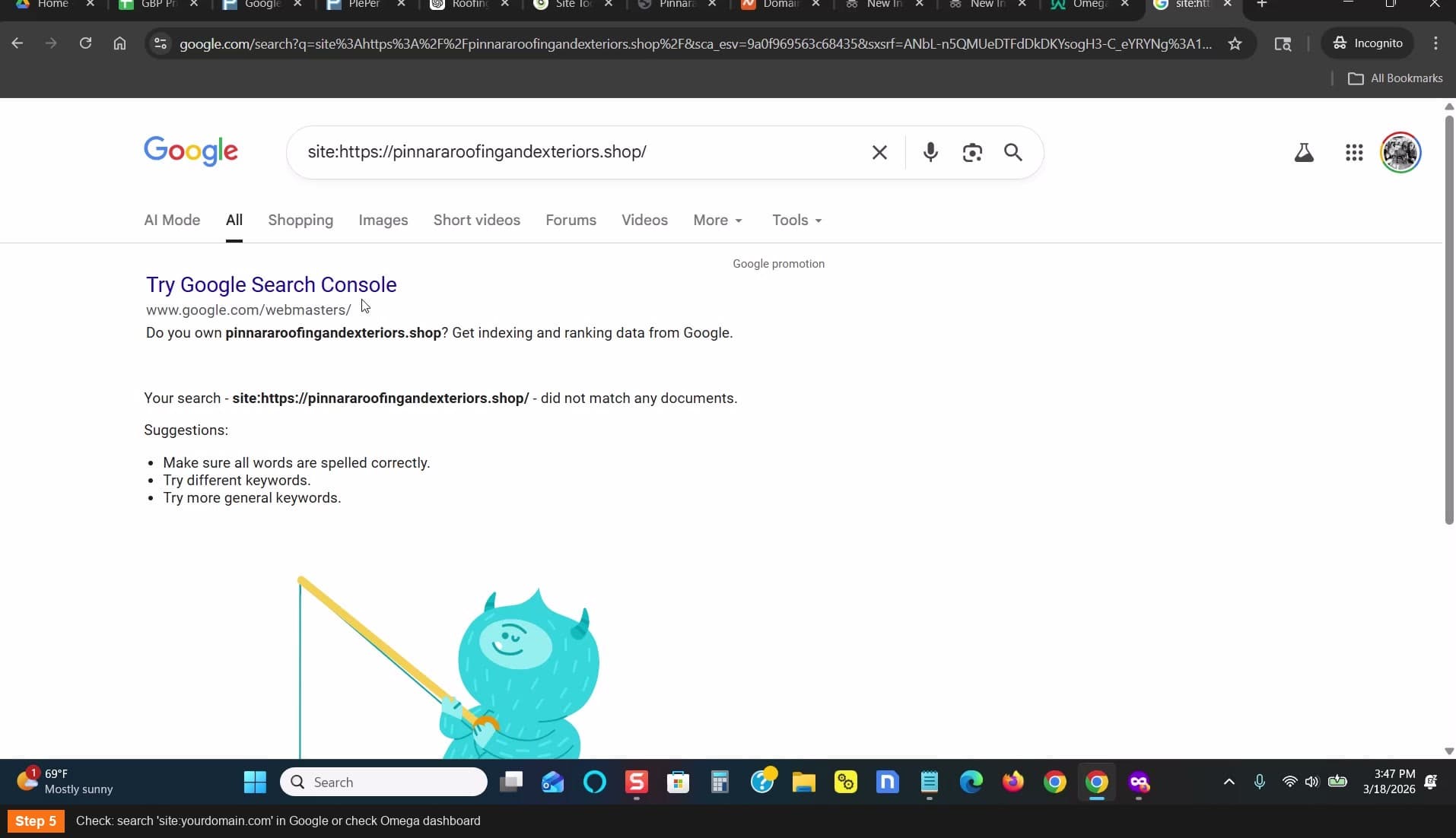
Search site:yourdomain.com in Google to verify
Use BOTH Omega Indexer and Search Console — using both gets your URL indexed faster
Credits are cheap — $60 gets you 400 URLs on Omega Indexer
Don't wait around for indexing — move on to Gmail creation while it processes, just verify before doing Step 8